These four formats reach a person rather than waiting for them to show up. That makes them the most useful and the easiest to overuse. Outreach is available on the Team plan and up.
If the message… | Use |
|---|---|
only matters while someone is in your product | Chat message |
matters when they aren't, or needs action (trial ending, failed payment) | |
is time-critical for the person receiving it | Push notification or WhatsApp |
Sending the same thing on several channels rarely doubles the reach. It mostly doubles the annoyance for the people who got both.
Go to Outreach → Emails and click Create email.
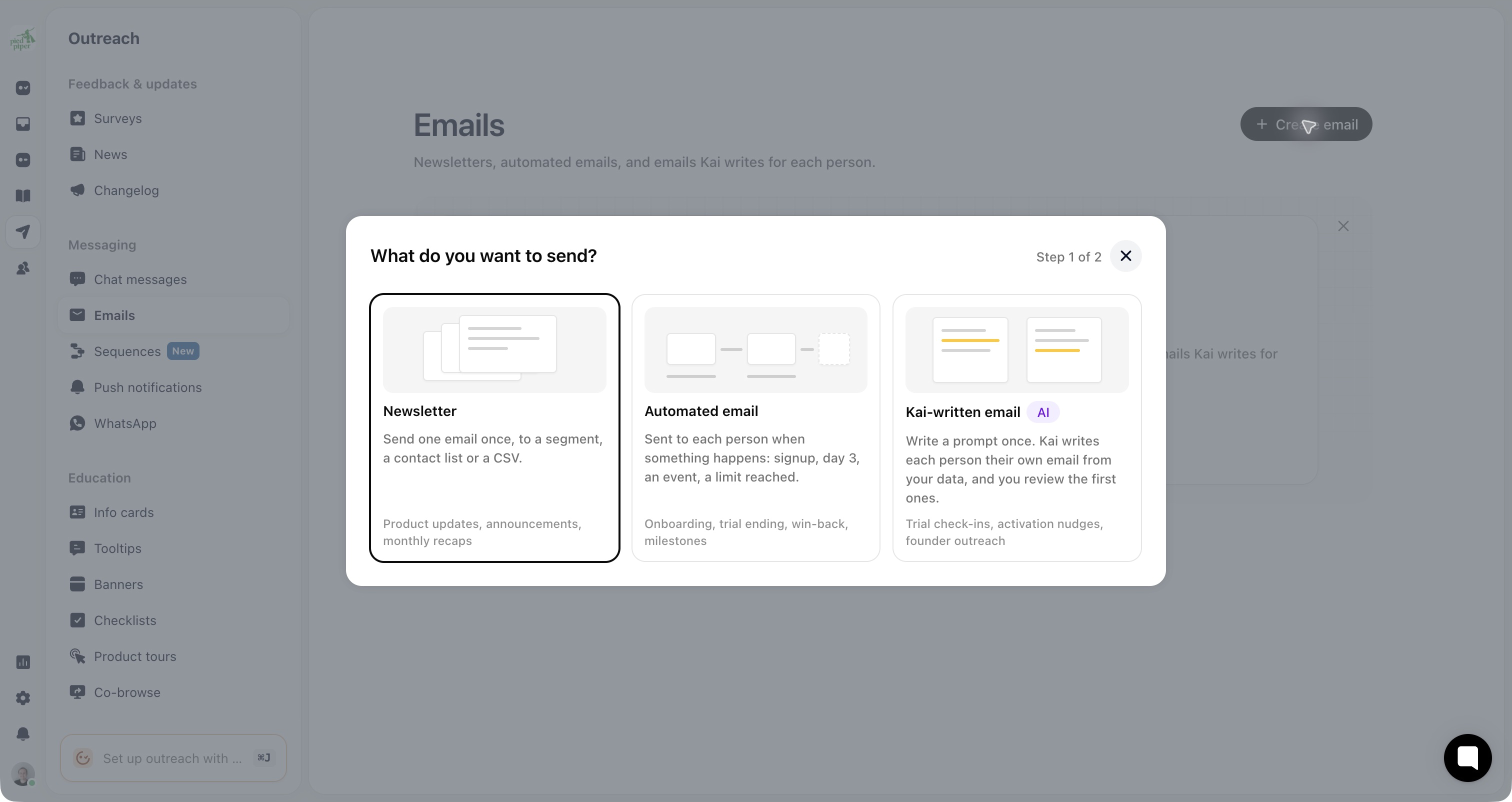
Under What do you want to send?, choose Newsletter, Automated email or Kai-written email.
Under Start from, pick a blank email or a preset. For a Kai-written email you start from a prompt, and Kai writes each email for its recipient.
Write the email, then click Send preview to send yourself a copy.
On Targeting, set the audience. A newsletter goes out with Send now or Schedule; automated and Kai-written emails run with Launch.
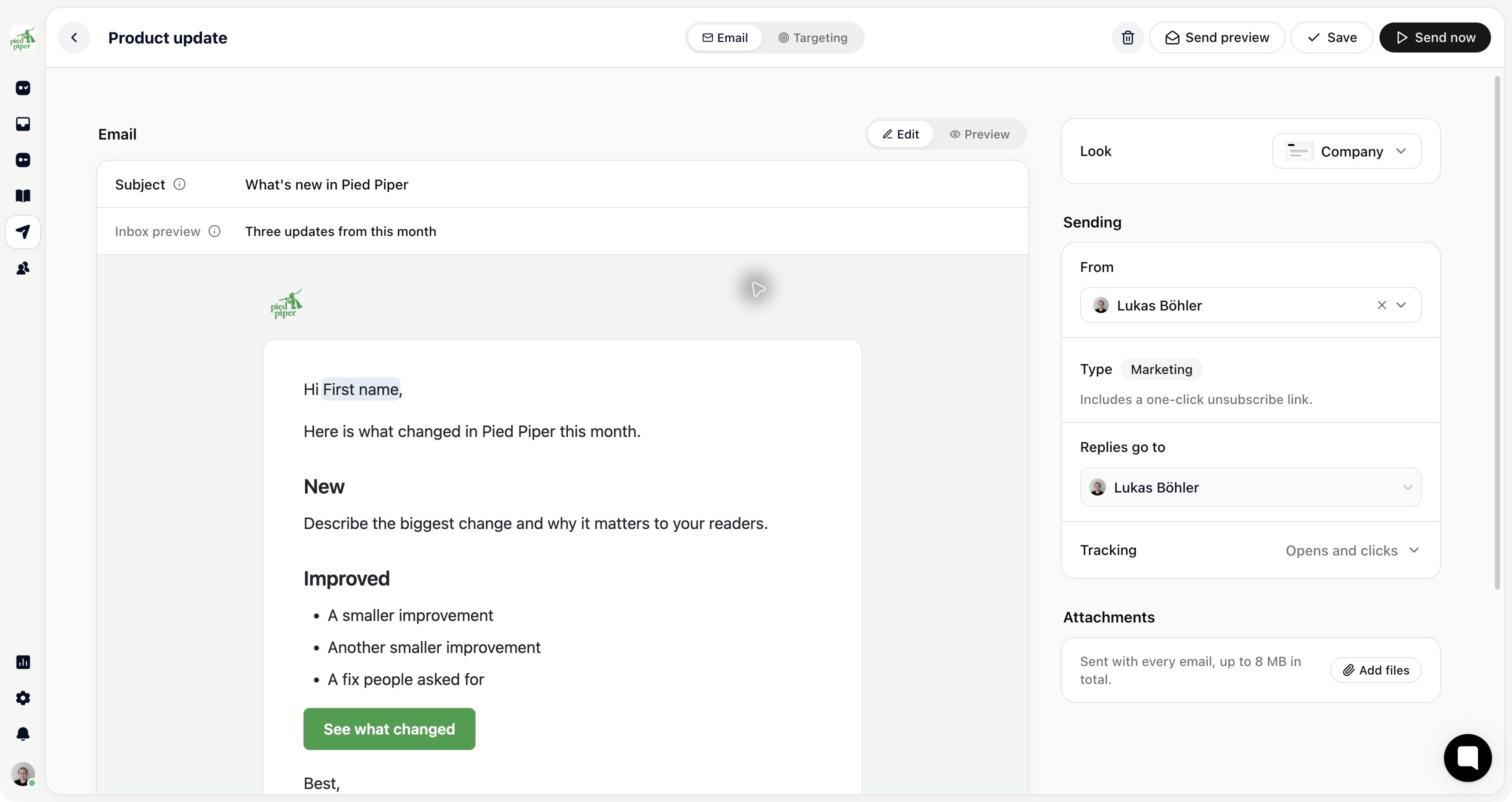
Email is the only format that reliably reaches someone who has stopped using your product, and the one with most rules attached. Send from your own verified domain (Send email from your own domain) and style it with a template (Style your emails with templates). A marketing message and a service notification are treated differently by regulators and by spam filters.
Go to Outreach → Chat messages and click Create chat message, then pick a starter or Blank chat message. It appears in the messenger as if a teammate wrote it, so it invites a reply. Plan for that: a proactive message to ten thousand people produces real conversations somebody has to answer.

Then go to Outreach → Push notifications, click Create push notification, and fill in Title and Message. Push interrupts a phone, so keep it for things that are time-sensitive for the person, not for you.
Connect a WhatsApp number first (Connect WhatsApp). Then go to Outreach → WhatsApp, click Create WhatsApp message, choose the Phone number and the Template message. Only templates approved by WhatsApp can be sent, so plan the template before the campaign (WhatsApp message templates).
WhatsApp has the highest read rate of the four and feels the most personal. A message that's unremarkable by email can feel intrusive there, so it suits things the customer is waiting for.