Most teams ship far more than their customers notice. News and changelogs fix that, and they work differently. A news item appears in the messenger for the audience you choose. A changelog is the public, permanent record on your feedback portal. Both are available on the Team plan and up.
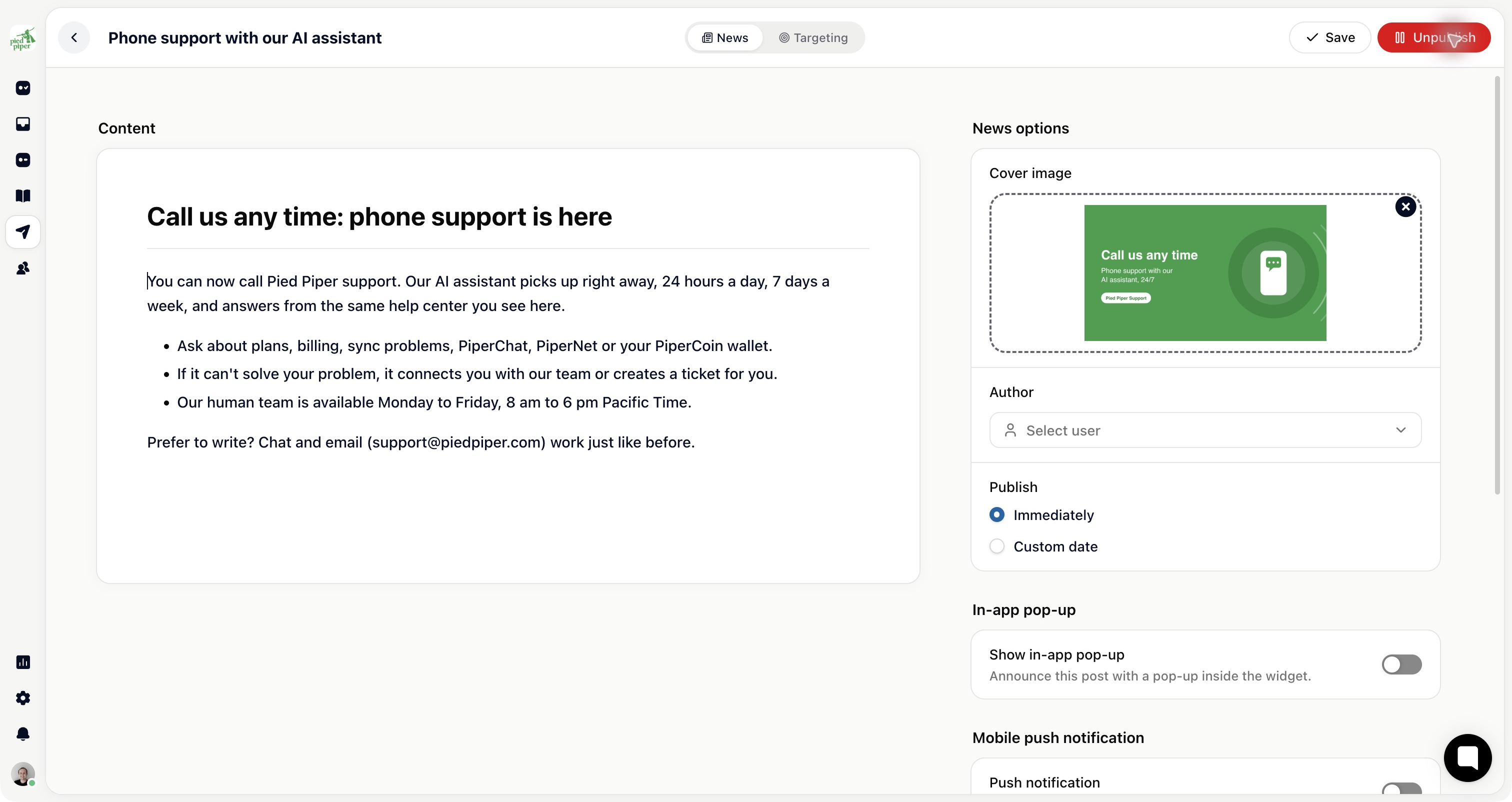
Go to Outreach → News and click Create news item.
Pick Blank news item or a starter such as Release notes or Feature launch.
Write the post and add a cover image if you like.
On Targeting, choose the audience, for example only the plan the feature is for.
Click Launch.
The post appears in the messenger's News tab for people in that audience. Nothing is interrupted: the cost to a customer who isn't interested is zero, so news can carry things that aren't worth an email.
Go to Outreach → Changelog and click Create changelog.
Write the entry.
Click Continue, check the Targeting tab, then click Launch. If subscribers are emailed about new entries, Gleap asks you to confirm first.
The entry appears on your portal's changelog page, where anyone can read it, including people who aren't customers yet. Customers can subscribe and comment, which turns a release note into a place where people tell you whether the change helped. Set up and brand the feedback portal covers who may comment and subscribe.
Give an entry up to five Labels in its settings, such as “New” or “Improvement”. They show on the post, and visitors can filter the changelog by them. People who'd rather not wait for an email can follow the changelog through its RSS feed, linked from the changelog page. Visitors who aren't signed in confirm their email before their first comment.

Lead with what a customer can now do, not with what you built. “You can now export filtered views” beats “Improved export module”, and “Various bug fixes and improvements” tells nobody anything. Link to the help article, so an announcement turns into someone using the thing, and avoid internal feature names.
One post every two weeks, reliably, does more than twelve in a day. If keeping it up is hard, the Chrome Recorder can draft an entry from a screen recording of the change, which turns writing into reviewing.
Kai Support can use live news and changelog entries as knowledge. Review them under Knowledge → News & changelogs and check the agent’s Content it answers from settings when an entry is not being used.