Not everything you want to say about a conversation should go to the customer. A note is written in the same place as a reply but stays internal: visible to your team, invisible to the person who wrote in.
In the Inbox, open the conversation.
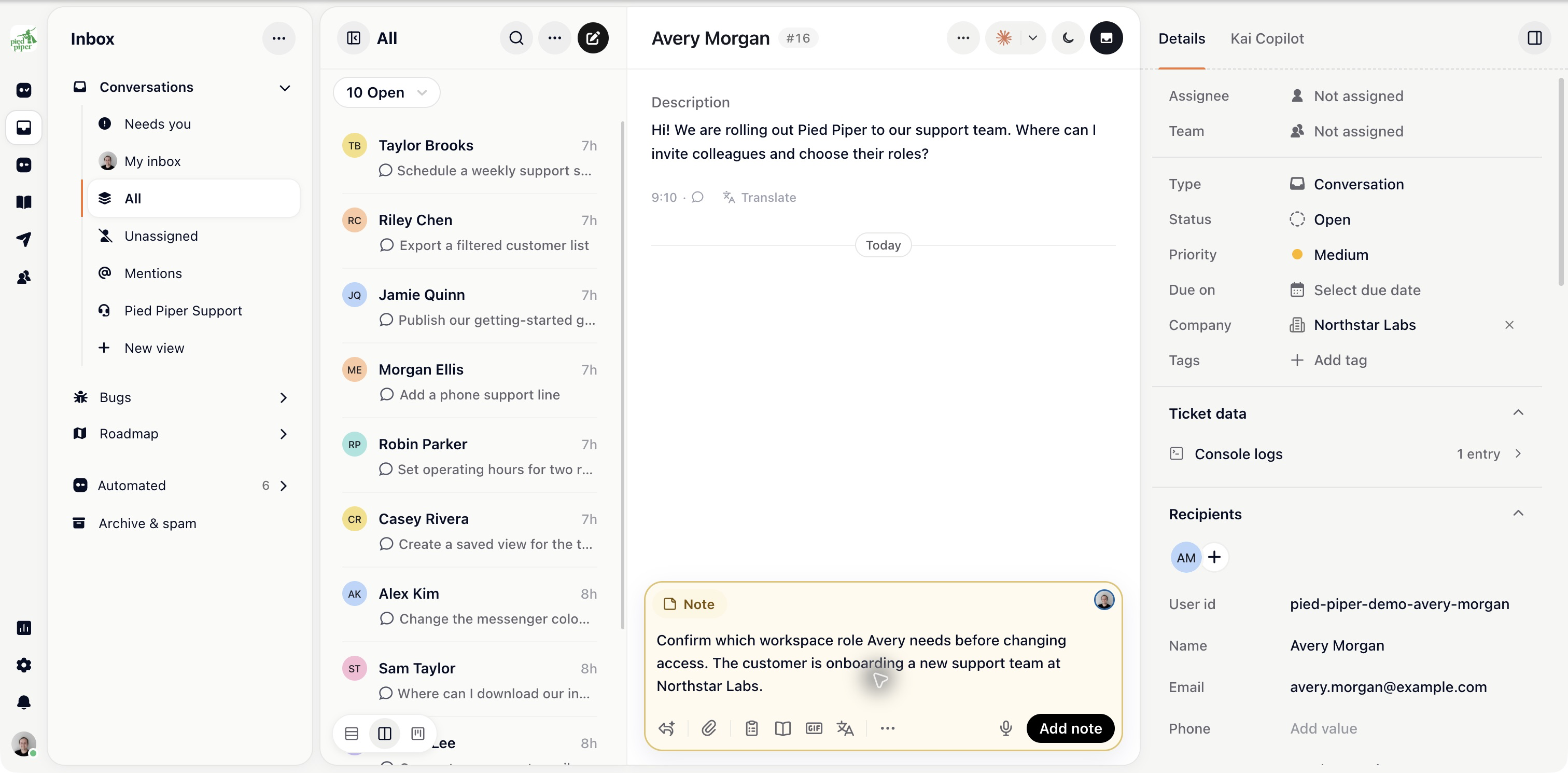
In the composer, click the Note tab next to Reply, or press N. The composer turns amber, so the difference is visible at a glance.
Write the note. To bring someone in, type @ and their name.
Click Add note. The note appears in the thread, marked as internal and tinted the same way.

Typing @ and a teammate's name in a note notifies them and puts the conversation in their Mentions view. It's the difference between hoping someone notices and knowing they've been told.
Context the next person needs: what you've already tried, what the customer said on the phone.
A question for a colleague, without moving the discussion to a chat tool where it gets lost.
A decision and its reason, so the same case isn't re-argued in three months.
The point is that it stays with the conversation. A decision explained in a chat channel is gone by next week; the same sentence in a note is there whenever anyone opens the ticket.
Notes are internal, not private. Teammates read them, and a customer who asks for their data has a reasonable claim to what you hold about them.
So write them factually. "Customer is on the legacy plan, migration needs finance approval" ages well. Remarks about the customer don't.

