
During onboarding a customer asks about single sign-on. That's a ticket, and it's also part of the onboarding. Linking the two means the person working the board sees what's outstanding, and the person answering the ticket sees why it matters.
Open the ticket and look at its right-hand sidebar.
If the ticket's contact or company is on a pipeline, the Pipeline panel already suggests it: choose the entry in Link to a pipeline entry….
For any other entry, open Linked tickets, click Link ticket and choose Pipeline entry.
In Link pipeline entry, pick the Pipeline, then the Entry (the list is searchable), and click Link entry.
The Pipeline panel now shows the pipeline, the record and its current stage.
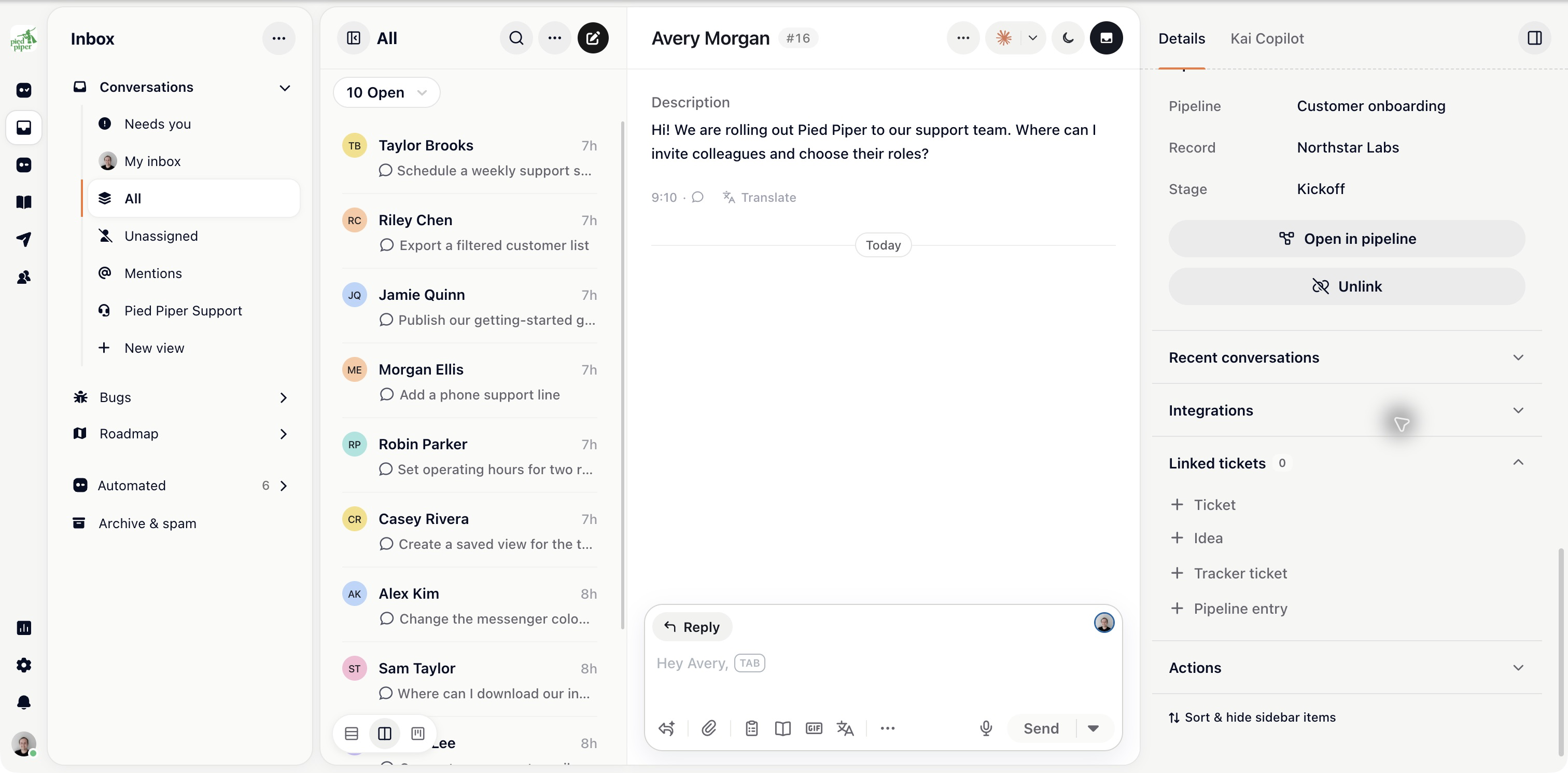
A ticket can be linked to several entries, for example the onboarding entry and the renewal entry of the same account. Each linked entry has Open in pipeline and Unlink of its own.
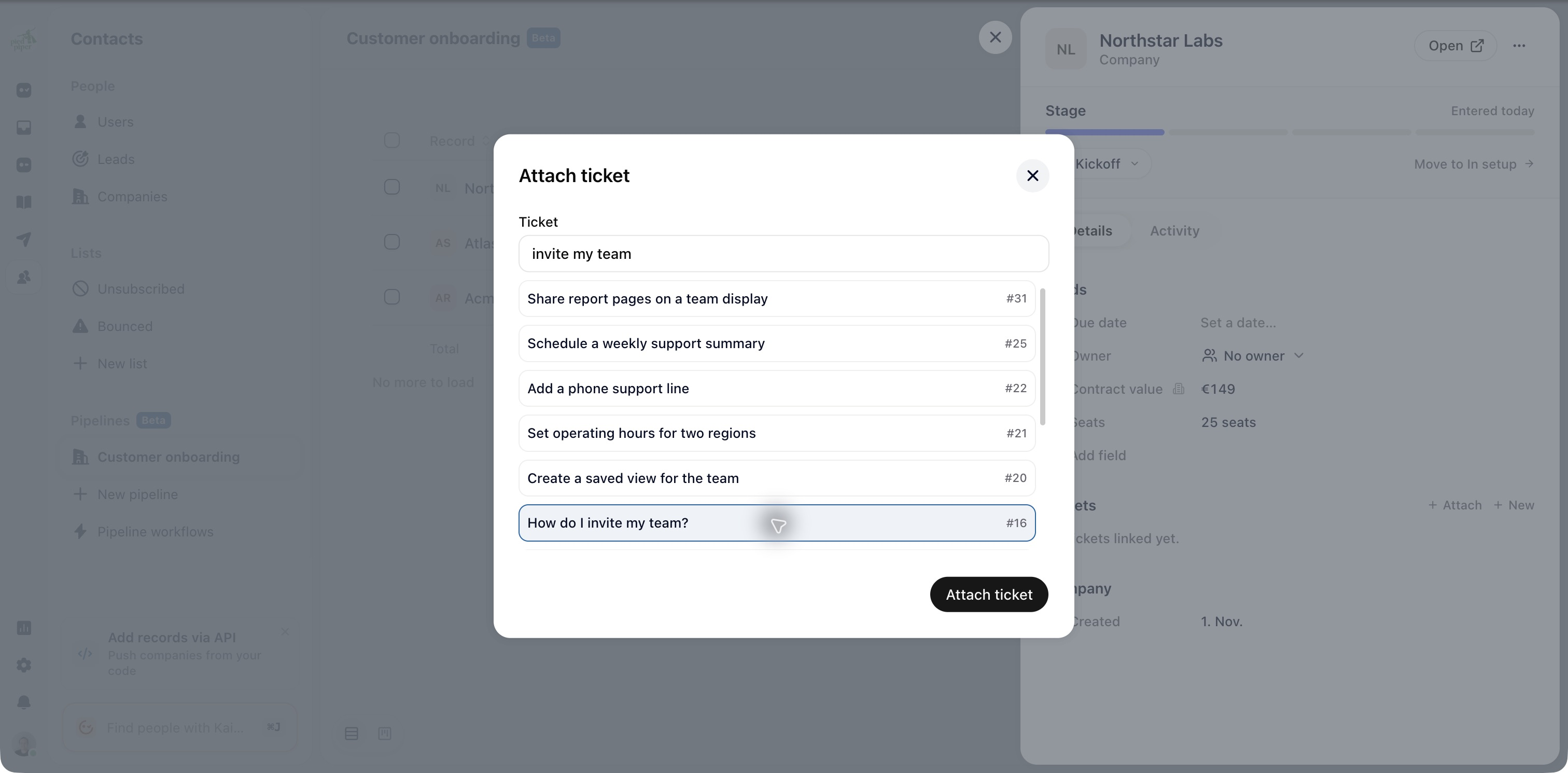
In the entry panel's Tickets section, Attach links an existing ticket and New raises one that's linked from the start. On a contact pipeline it's addressed to that contact already. Done tickets are struck through, so a glance tells you what's still open. A line below shows how many other conversations the company or contact has that aren't linked.
A pipeline automation's Create ticket step links the ticket it raises back to the entry. A board that opens a review ticket when an account reaches “At risk” keeps its own record of those reviews without anyone linking anything by hand.
It doesn't move the entry, change the ticket's assignee or change what the customer sees. It's a cross-reference between two things you're already tracking, and useful precisely because it changes nothing else.
