
Pipelines are part of the Administrator and Manager roles. Both can create pipelines, change them, move and edit entries, and delete them.
Agents don't have pipelines at all: no Pipelines group in Contacts and no Pipelines section on a contact or company. If a colleague can't find pipelines anywhere, their role is the reason. Everyone you invite joins as a Manager by default, so this usually means someone was deliberately set to Agent.
Agents still see the work that comes out of a pipeline. A ticket raised by a pipeline automation is a normal ticket in the inbox.
Custom roles are available on Pro and up. In the role editor, pipelines have three permissions:
Pipeline view: see pipelines and their entries, nothing else.
Pipeline entry management: add records, move entries between stages, and edit fields and due dates, without creating, changing or deleting pipelines and without removing entries.
Pipeline management: everything, including creating, changing and deleting pipelines.
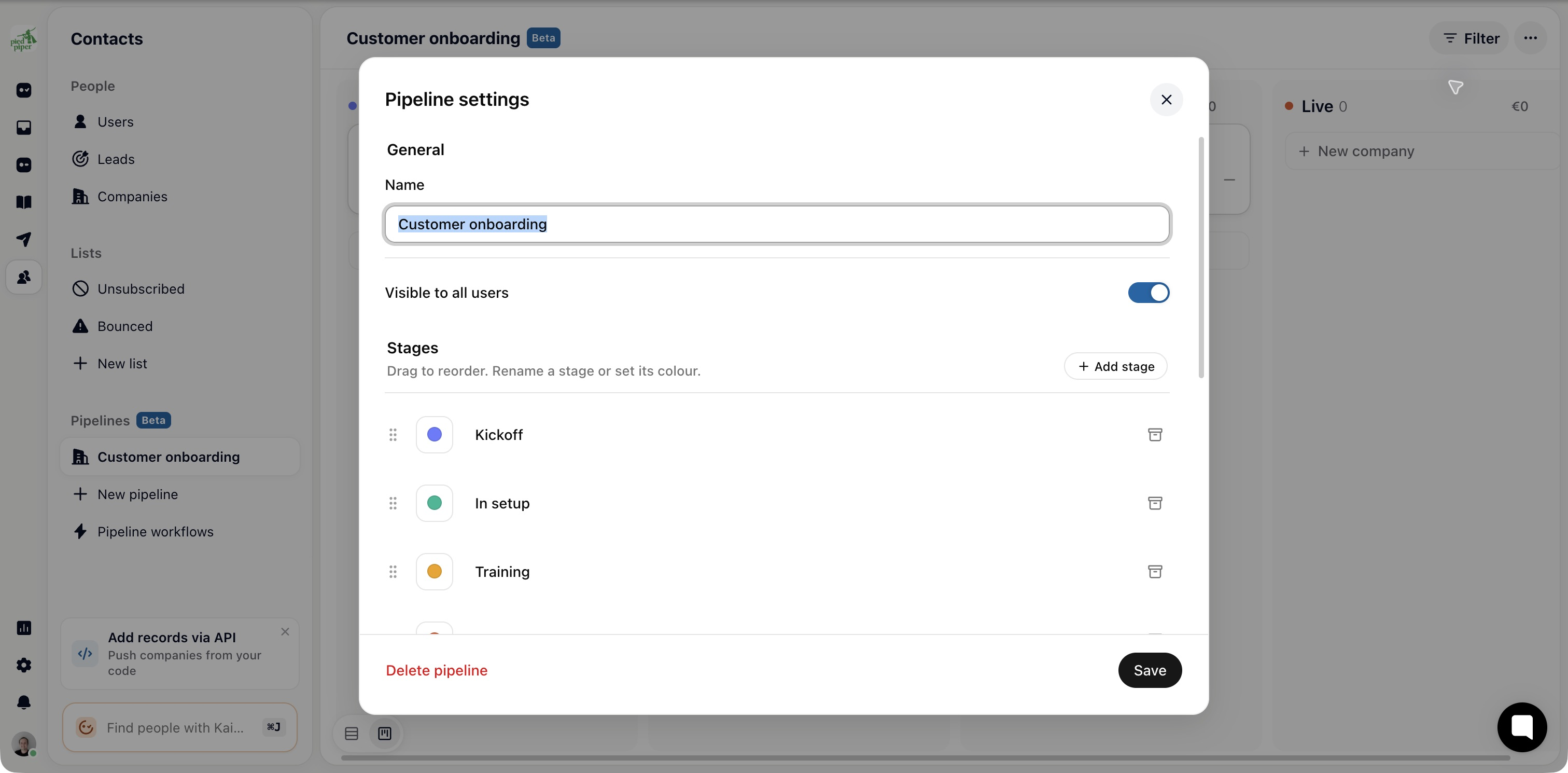
Each pipeline has a Visible to all users switch, in the create dialog and again in Pipeline settings. On, the default, lists it for everyone who has pipelines. Off keeps it to the person who created it; there's no per-person sharing.
Use it to keep the list uncluttered rather than as a wall. Something truly confidential doesn't belong on a board your Managers can reach.
Anyone who can manage a pipeline can move any card, edit any field, change the stages and delete the whole thing. There's no owning an entry, and no confirmation beyond the one on deleting a pipeline.
That's fine for a team that agrees how the board works, and it's why each entry's Activity matters: it records who moved what, and it's how you reconstruct a board someone reorganised.
An automation isn't limited by the role of whoever triggered it. Emails it sends and tickets it raises come from your project, not from a person. That makes publishing an automation a bigger decision than moving a card, and worth a second pair of eyes on a board with many records.
