
Stages tell you where something is. Fields tell you what it's worth, how big it is, or whatever else you need next to the name. Fields show on the cards, as table columns and in the entry panel.
Open the pipeline and open Pipeline actions → Pipeline settings in the header.
Scroll to Fields and click Add field. You can also add one from an entry panel, under its Details.
Type a Field name.
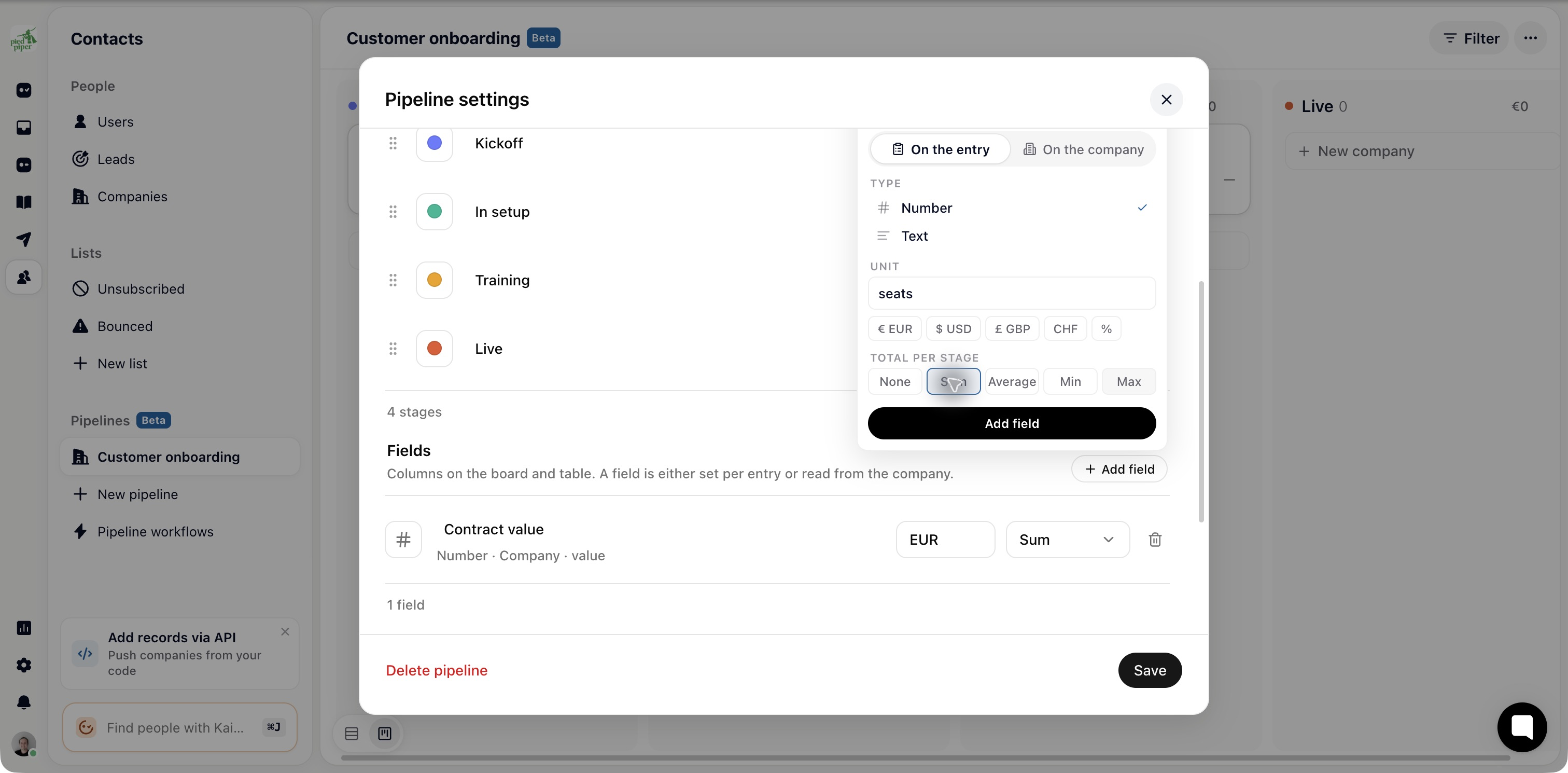
Under Value lives, choose On the entry or On the company (On the contact on a contact pipeline).
For an entry field, choose the Type: Number or Text. For a company or contact field, pick the attribute instead; the field takes its type.
For a number, optionally set a Unit and a Total per stage.
Click Add field.
The field appears on every card and as a new column in the table.
On the entry: the value belongs to this pipeline only. A deal value on your sales board doesn't follow the account onto the renewals board, which is usually what you want, because the two numbers mean different things.
On the company or On the contact: the field shows the record's own attribute, such as Plan, Value or anything your product sends as custom data. Editing it on the board changes the company or contact itself, everywhere.
Only numbers carry a unit. Pick € EUR, $ USD, £ GBP, CHF or %, or type your own, such as “seats”. A currency code formats the value as money; anything else is shown after the number. One field has one unit, so a pipeline that sells in several currencies is more honest with a plain number field plus a text field for the currency.
A number field can show Sum, Average, Min or Max at the foot of every board column and under the table, or None. Text fields have no total. Sum on a money field is the one that earns its place: each stage then reads as pipeline value.
You can change a field's unit and total later in Fields, in the pipeline's settings.
Hover the field in Fields and click Remove from pipeline. For an entry field, values already entered stay stored but are no longer shown. For a company or contact field, only the column goes; the attribute itself isn't affected.
Every field is something a person has to fill in, and cards grow taller with each one. Two or three that people really maintain beat eight that are half empty, and a half-empty field makes its total misleading.
