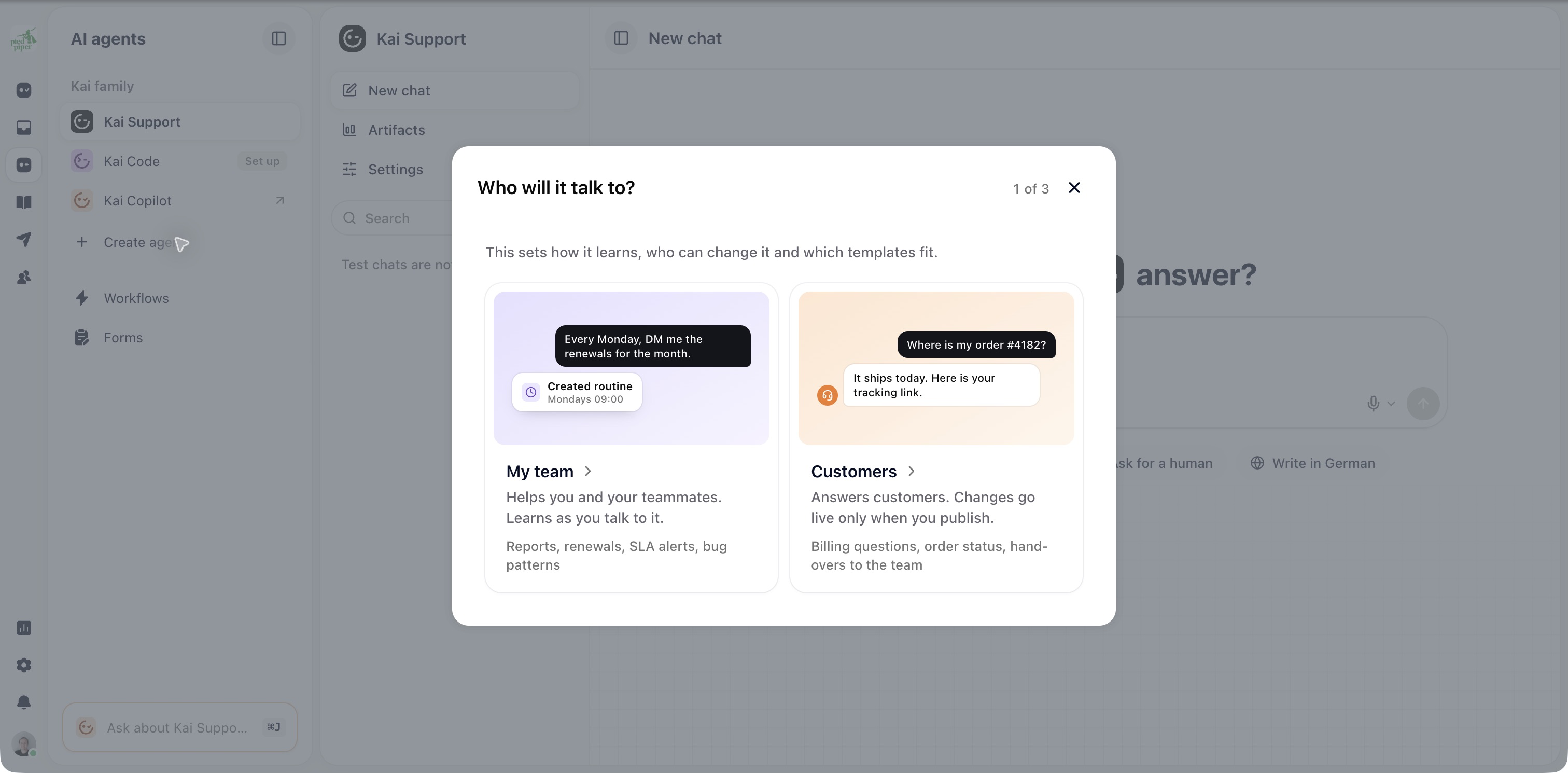
Open AI agents and choose Create agent. You need a plan that includes custom agents and permission to manage them.
Choose Your team for an agent that works with teammates, or Customers for an agent that talks directly to end users.
For a team agent, choose its name and appearance, then who can use it. You can also start from a template. A private agent can be shared later.
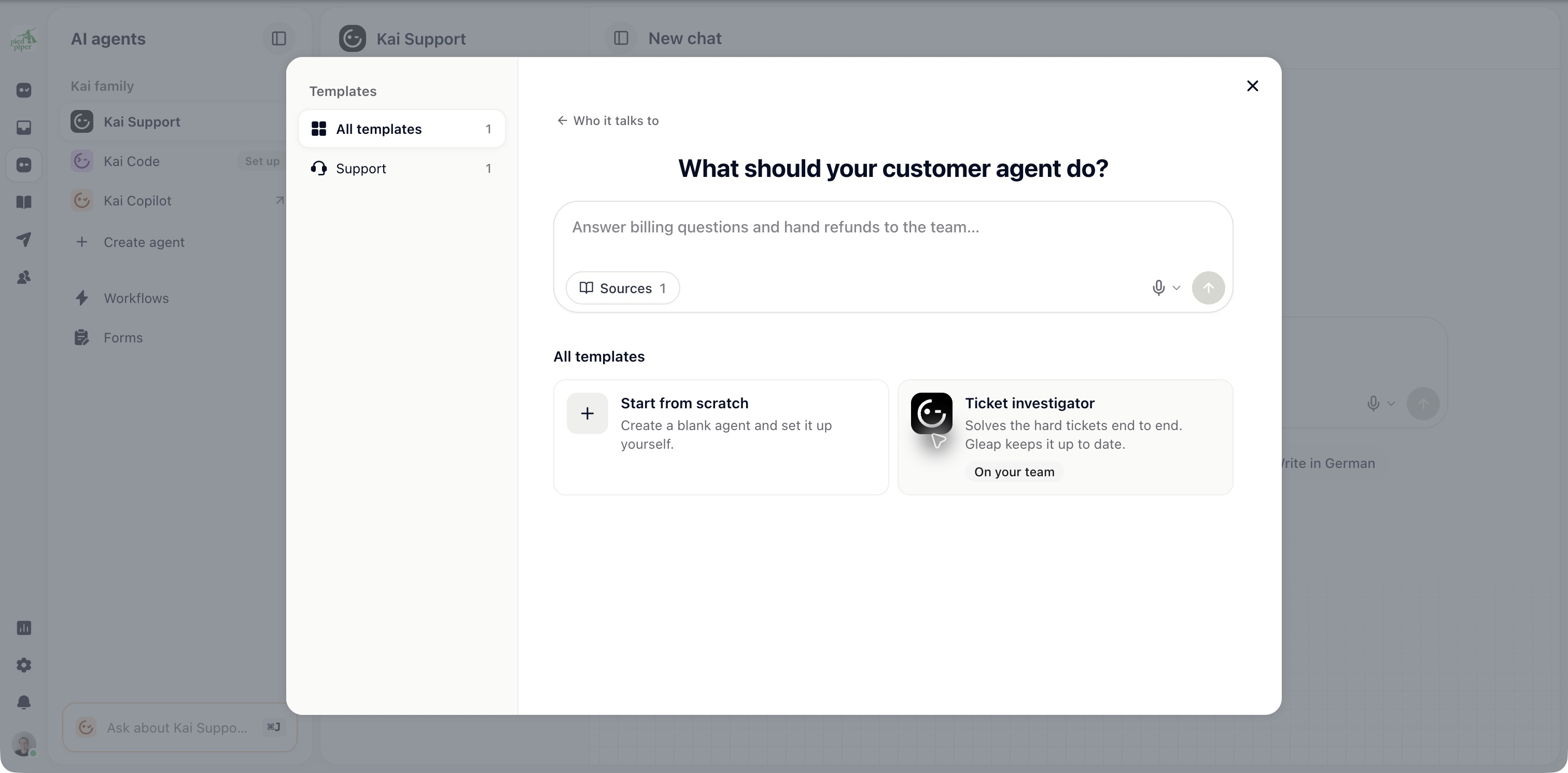
For a customer agent, describe its job, choose a matching template or start from scratch. Review generated instructions, tools and triggers before using them with customers.
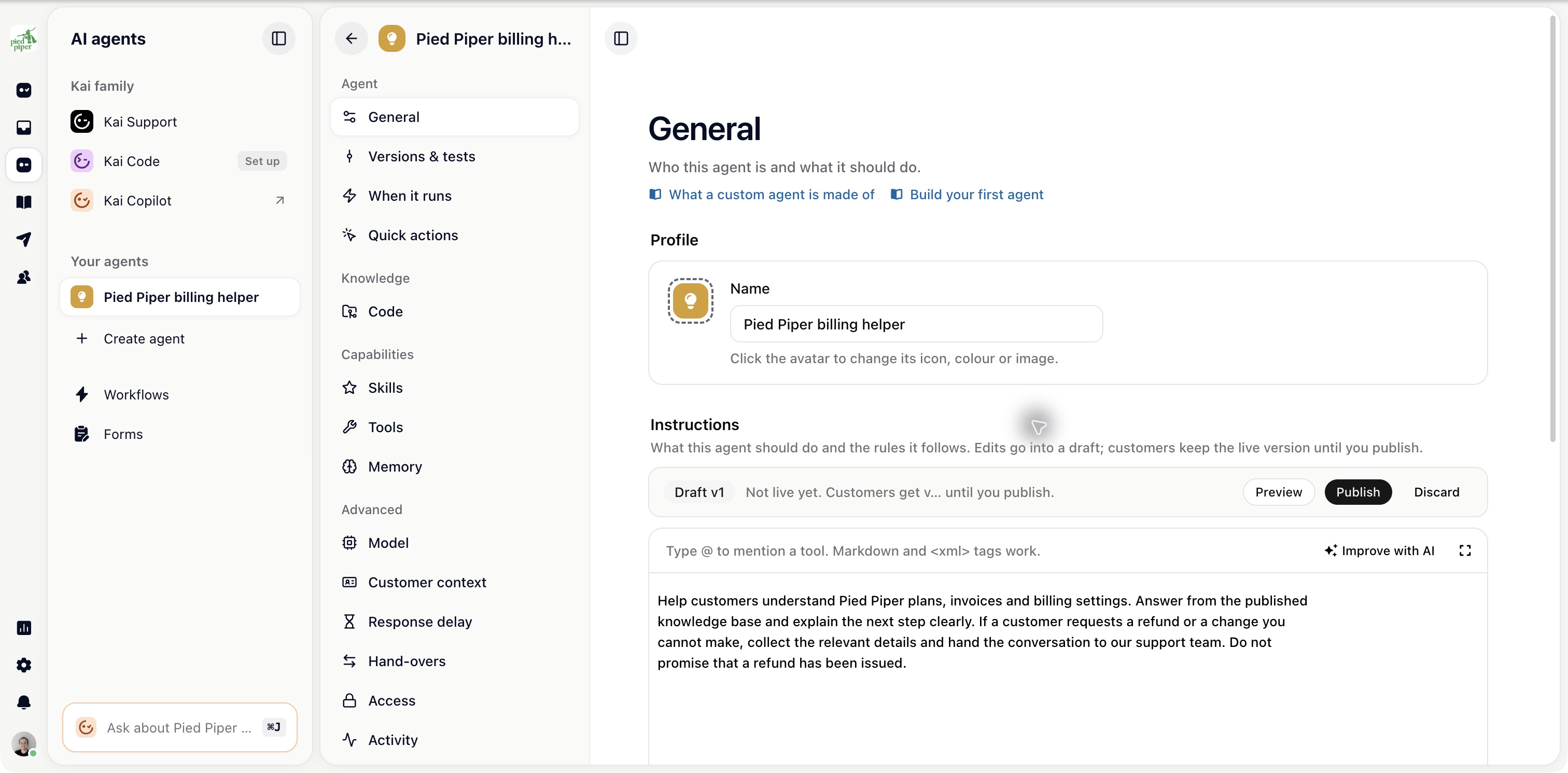
Open the agent and explain the result you want. For example: “Review open billing conversations and draft a reply for a teammate. Ask before making any billing change.”
Include:
What information it should read.
What it may change.
What done looks like.
What it should do when a tool fails or information is missing.
When it must hand work to a person.
Team agents can help configure their own work through chat. The settings pages remain available for reviewing instructions, tools, memory and access.
Open the agent’s Tools page and add the tools it needs.
Check permissions on each app or tool.
Add a Skill if the job has a repeatable process with a goal and steps.
Keep When it runs empty until you have tried the agent manually.
Review the per-run limits under Model.
A customer agent needs the Reply to customer tool for a customer conversation or SDK entry point. A team agent can prepare work for a teammate without sending a customer reply.
You can try a draft before publishing it. Ask for a normal case, a case with missing information and a case where the agent should stop.
For customer-agent instruction changes, use Versions & tests to review the draft and its test results. Publishing changes the version used in live work.
Use Publish when the agent is ready for its intended entry points. For a team agent, review Sharing before widening access. For a customer agent, connect the published agent to the workflow or product experience that should use it.
To stop a live agent, use its status controls or Unpublish in its menu. Review triggers too, so you know which automatic work will stop.

