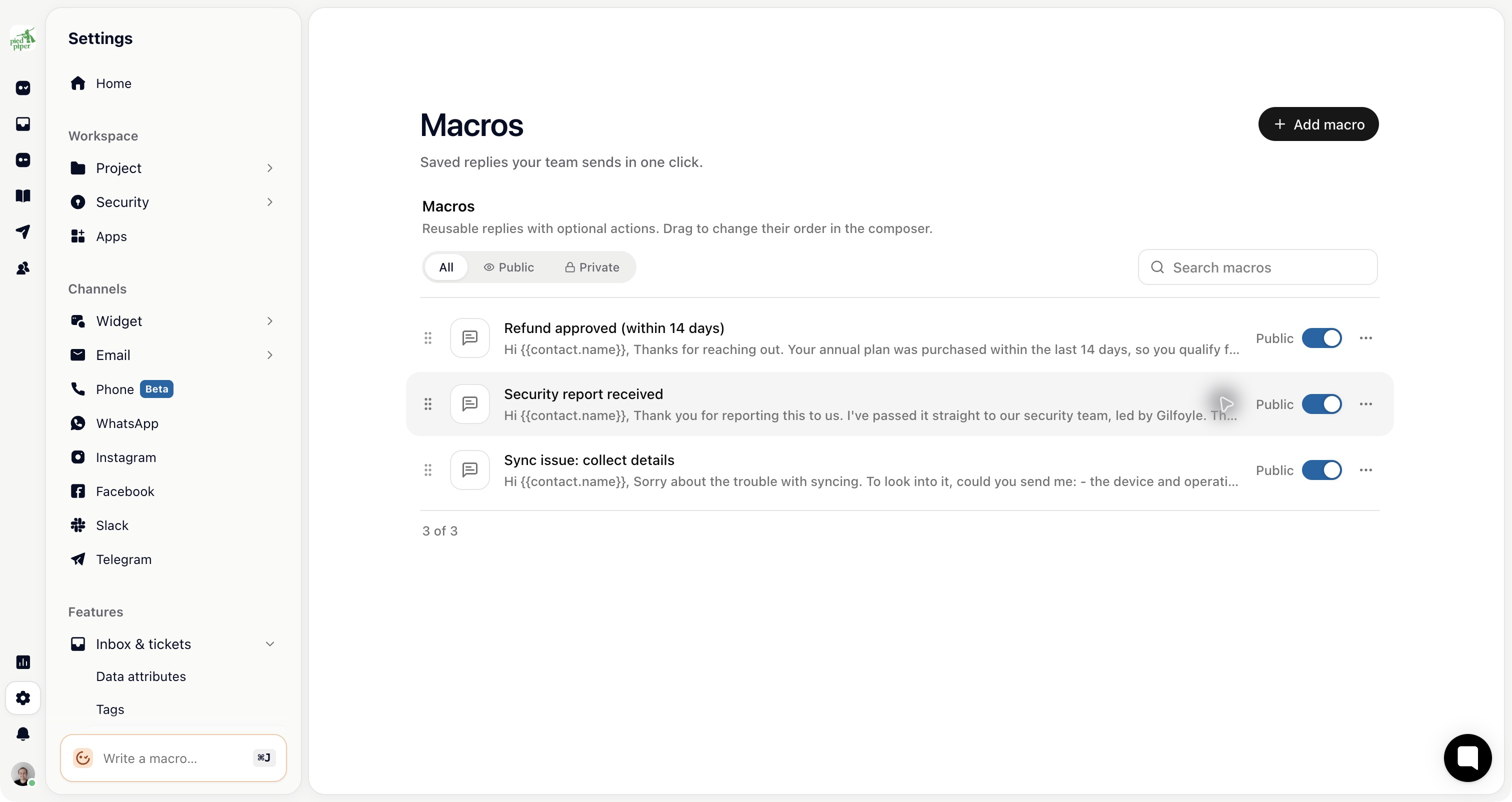
Saved replies, which used to be called message templates, are Macros. Here's where everything moved.
Create or edit: Settings → Inbox & tickets → Macros → Add macro. You need project settings access. Teammates without it can still keep personal macros from the composer with Add personal macro, if their role allows personal macros (agents have this by default).
Use one in a reply: open the macro picker in the composer, or press Cmd+Shift+E on Mac or Ctrl+Shift+E on Windows and Linux.
A macro can also run actions (add a tag, change the status, close or archive the conversation, or run a workflow), carry attachments, and be limited to teams or ticket types.
Looking for something else?
WhatsApp templates (approved by Meta): Settings → WhatsApp, then Manage message templates at the top of the WhatsApp page (admins only).
Email layout templates: Settings → Email → Advanced → Custom HTML templates.