A product tour guides someone through your interface one step at a time, highlighting what to look at. It's the format for anything easier to show than to describe. Product tours run on websites and web apps with the Gleap JavaScript SDK; they aren't available in native mobile apps. Outreach is available on the Team plan and up.
Go to Outreach → Product tours and click Create product tour.
Pick Blank product tour or a starter such as Welcome tour. The editor opens.
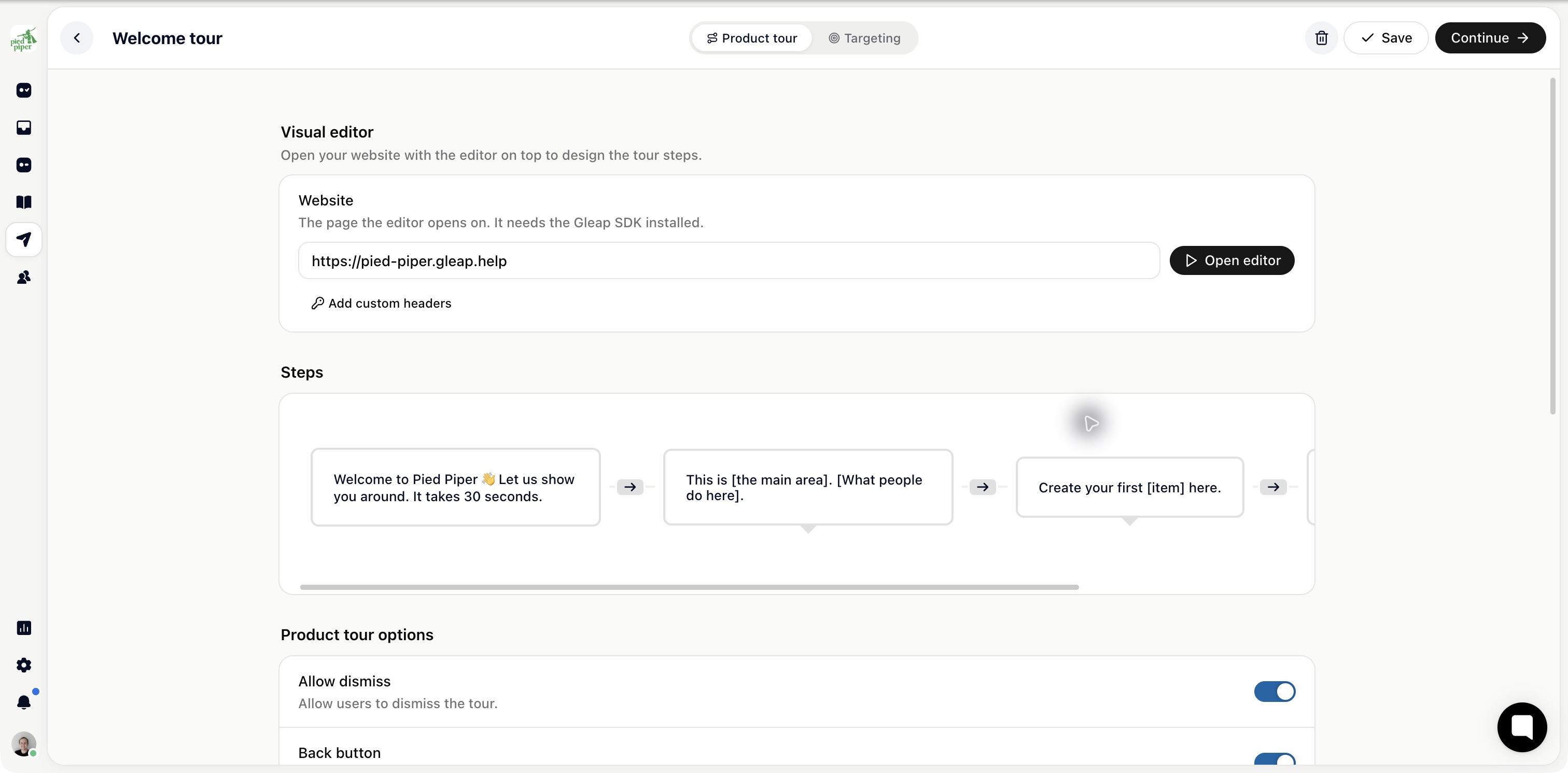
Under Visual editor, enter the Website where the tour starts. The page needs the Gleap SDK installed.
Click Open editor. Your site opens in a new window with the Gleap editor bar on top. Allow pop-ups if your browser asks.
Go to the page where the tour should begin and click Start tour here.
Add a step: Add pointer points at an element (click the element on your page), Add post is a centred message, Add video pointer adds a video. Write the text and choose how the step moves on.
Click Save step, repeat for each step, then click Save & close.
Back in the dashboard, check the Steps list and the Product tour options, then click Continue, set the audience on Targeting, and click Launch.
Next button: the customer clicks Next.
Click on the element: the step completes when they click the highlighted element.
Interactive element: they can use the element before moving on.
Text input: the step waits for them to type into the field.
Allow dismiss lets people leave. Keep it on: a tour that can't be escaped is worse than no tour.
Back button lets people re-read a step they moved past too quickly.
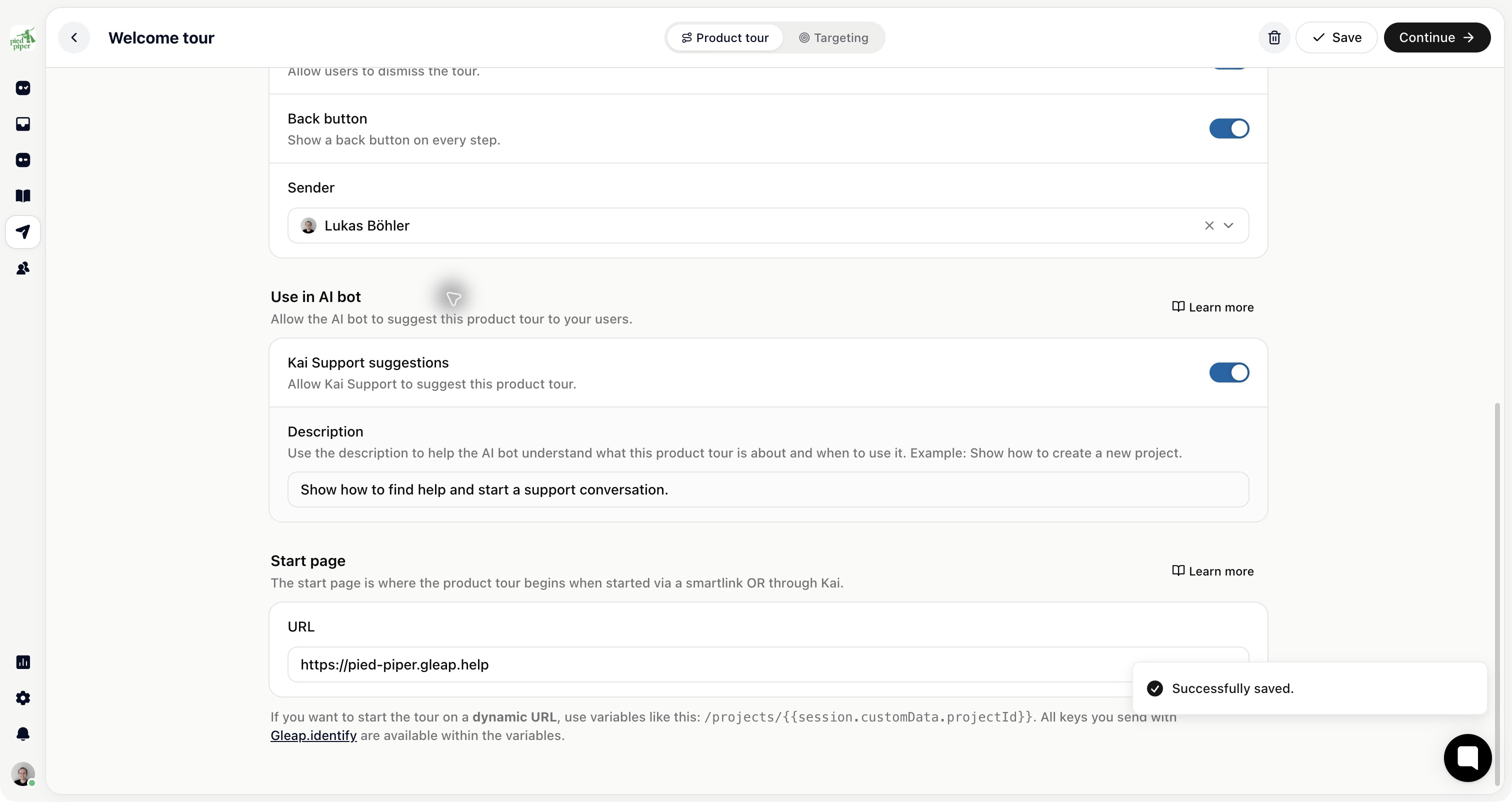
Sender is the teammate the tour appears to come from.
Under Use in AI bot, keep Kai Support suggestions on and fill in the Description, for example “Show how to create a new project”. The description is all Kai knows about the tour, so a tour without one is rarely offered. Start page is the URL where the tour begins when Kai or a link starts it. More in Let Kai start a product tour.
You can also start a tour from your own code with Gleap.startProductTour("<tour id>") or with URL parameters; the Targeting tab shows both for your tour.
Four or five steps is a tour; twelve is a manual nobody finishes. Write each step as an instruction, not a label: “Click here to add your first project” moves someone along, “Projects panel” describes the furniture.

The editor only opens from the dashboard in a web browser, not from the Gleap desktop app. Tours point at real elements, so they break when your interface changes. Run your own tours after any significant frontend change; nobody reports a broken step, they just abandon the tour.