Some problems cost twenty messages and five minutes on a call. When a conversation is clearly going that way, you can start a video call from inside it. The customer joins from the invitation in the conversation, with nothing to install and no account to create. Calls need a paid plan or a running trial; on a website, the Gleap JavaScript SDK 15.1.0 or later.
Ask first. "Would a quick call be easier? I can start one now" costs one message and avoids an unannounced call reaching someone in an open office.
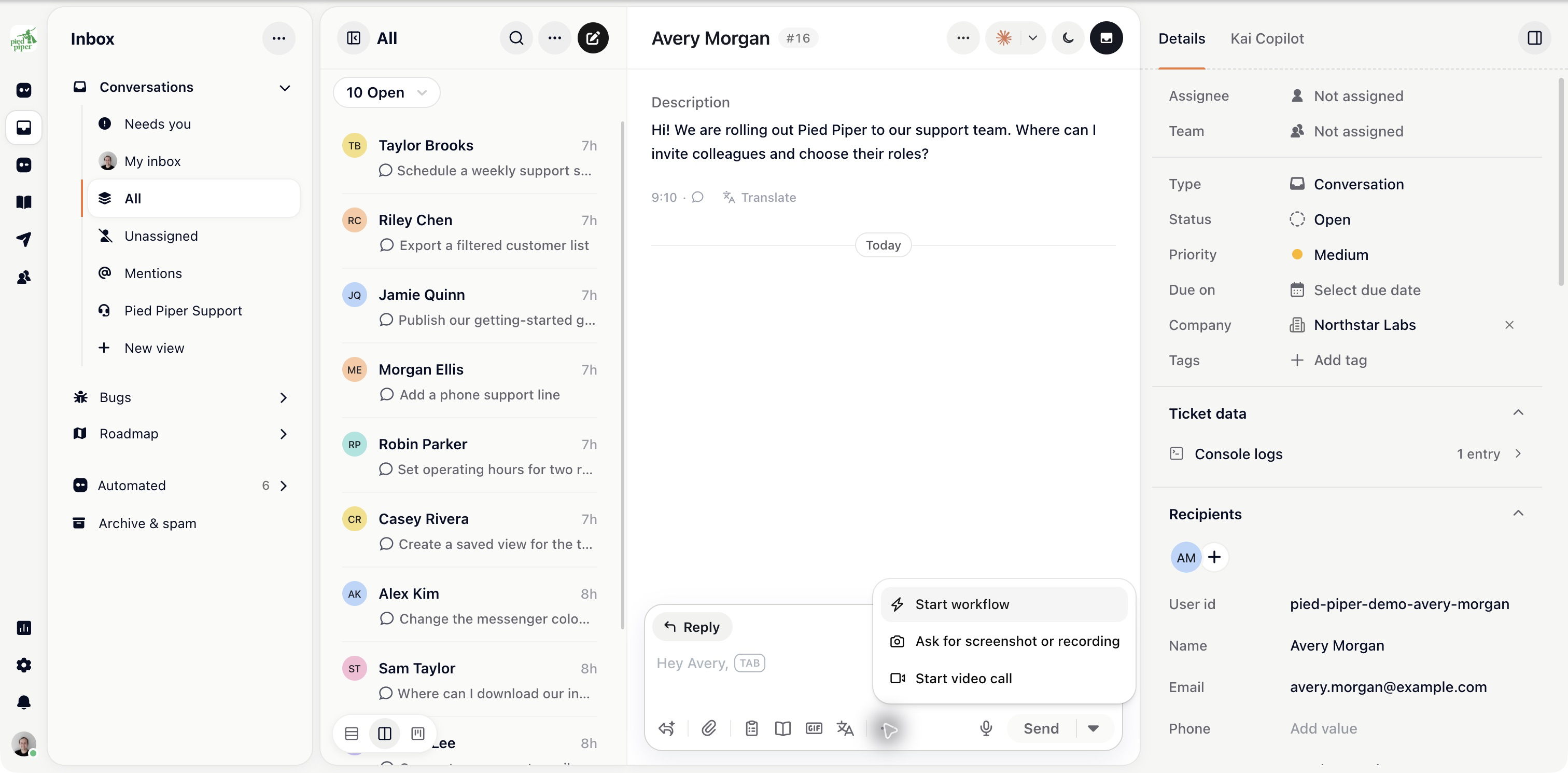
Open the conversation. In the composer toolbar, open More (⋯) and choose Start video call.
The customer sees the invitation in the conversation and clicks Join.
In a mobile app, your developers first need to add camera and microphone permissions. Gleap shows what to add the first time you start a call there. Admins can hide the button with Disable video calls under Settings → Project → General → Messaging & calls.
The customer can't describe what they're seeing, and screenshots aren't helping.
A setup with several steps, each of which risks a new misunderstanding.
A conversation that has become tense. A voice defuses what a fourth written reply won't.
It's worth less for anything factual. A question with a definite answer is better answered in writing, where the customer can re-read it, and you can link the article.
The conversation keeps the invitation, not what was said on the call. Whatever was agreed exists only in two people's memories unless someone writes it in the conversation afterwards.
Two lines are enough: what the problem turned out to be and what happens next. A short internal note keeps the ticket useful to the next person.
Video calling is metered in minutes per organisation and capped at 1,000 minutes per organisation per month by default. The dashboard doesn't show usage.

This guide covers a teammate’s video call with a customer. For an AI voice call from the widget, see Let customers call Kai Voice from the widget. Support phone numbers are configured under Settings → Phone.