A team is a group of people who handle a particular kind of work: billing, technical support, a language, a region. Once teams exist, conversations can be routed to a team instead of landing in one shared pile, and each team can hand out work in its own way. You need permission to manage teams (admins have it).
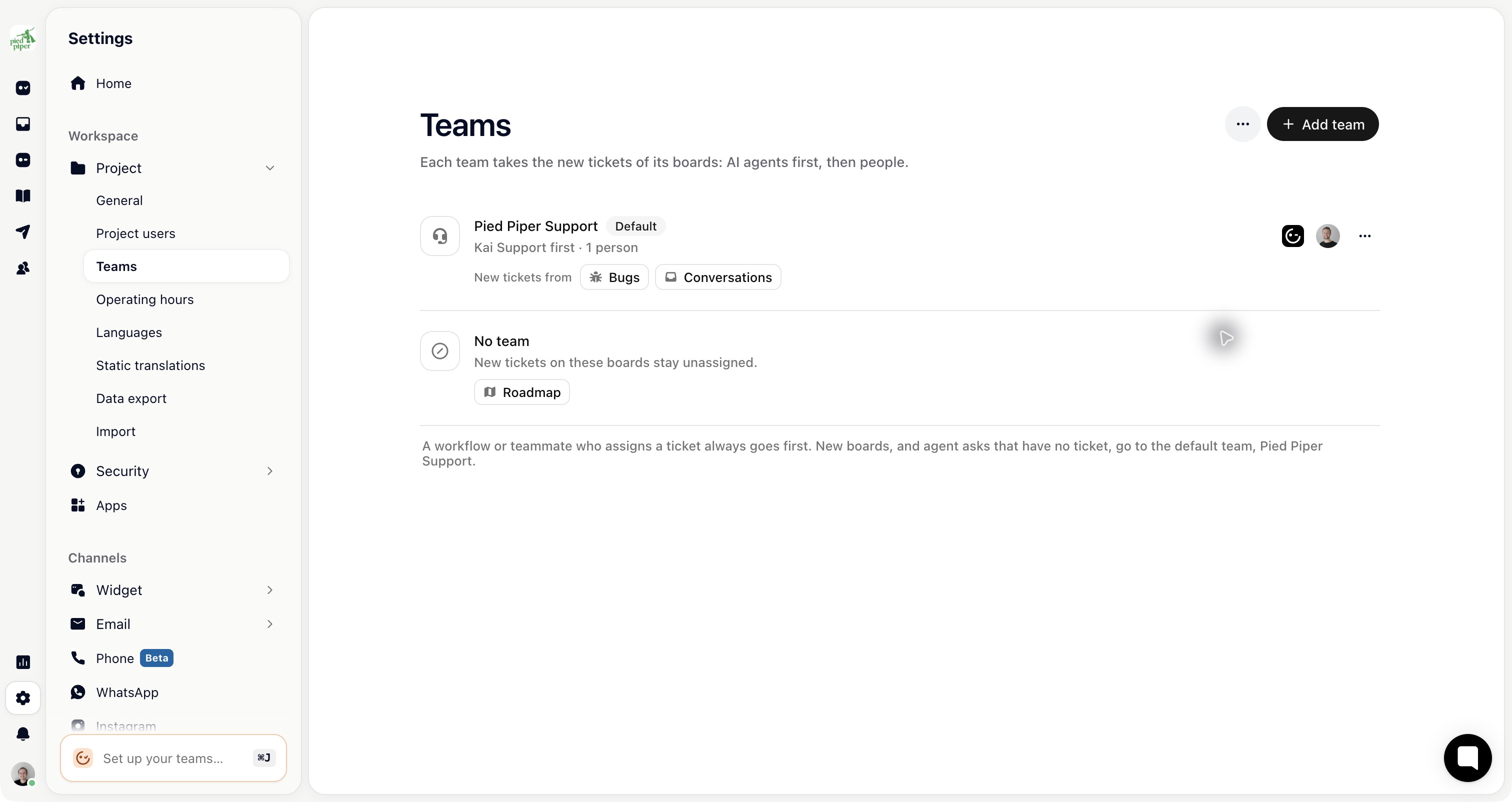
Go to Settings → Project → Teams and click Add team.
Name the team and add its members. Someone can belong to several teams, which is normal on a small team where one person covers billing and everything else.
Pick an Assignment method (see below) and switch on the options you need.
Click Create team. The team appears in the list, and new tickets routed to it are assigned the way you chose.
Each team has its own Assignment method:
Manual: tickets are not automatically assigned. People pick up what they take on.
Random: tickets are assigned to teammates in a random order.
Circular: tickets are assigned to teammates in turn.
Balanced: tickets go to whoever currently has the fewest active tickets.
Balanced is the one to reach for in most support teams. Circular spreads tickets evenly by count, but ignores that one person may be sitting on five difficult cases; Balanced accounts for what people are still holding.
Manual works well for small teams where everyone sees everything, and badly as soon as it's unclear whose job something is.
With Only online members switched on, a team assigns only to members seen in the last five minutes. Without it, automatic assignment hands conversations to someone on holiday, and they sit untouched until that person is back. Switch it on for any team that isn't all online at the same time.
With Circular or Balanced assignment, you can also switch on Limit tickets per member and set how many open conversations a person may hold at once. Once someone reaches the limit, Gleap stops assigning to them instead of letting work pile up. Count snoozed conversations decides whether conversations snoozed for up to a day take a slot too.
This protects the quality of the answers as much as the person. Someone holding twenty open conversations is triaging, not helping.
Each team can have its own Operating hours; when they're off, the project's hours apply. A team can also have its own Team SLA, which overrides contact SLAs and the project default for that team's tickets. A company SLA still wins. How hours and reply times work is in Set operating hours and reply-time targets.

Under Settings → Project → Teams → Boards, enable board teams and choose which team owns each board. Board teams connect the board’s people and agents to its work. Kai Support’s Investigations page shows the boards where Kai can investigate first. Review these settings when tickets are going to the wrong team.

