If you run more than one project, such as several products or one project per client, switching between them to check for new conversations wastes the day. The unified inbox puts the open conversations of every project you belong to into one queue. Everyone with access to more than one project can use it.
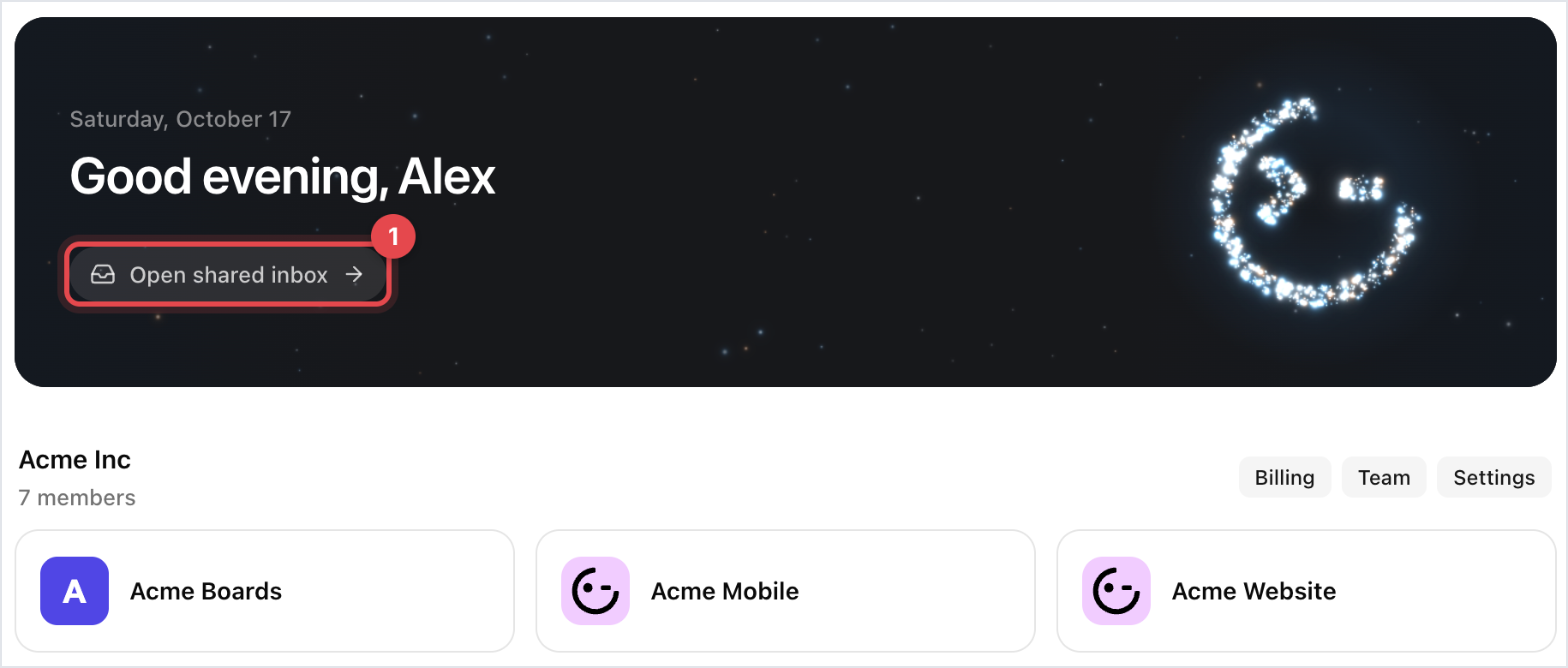
Go to the dashboard home and click Open shared inbox.
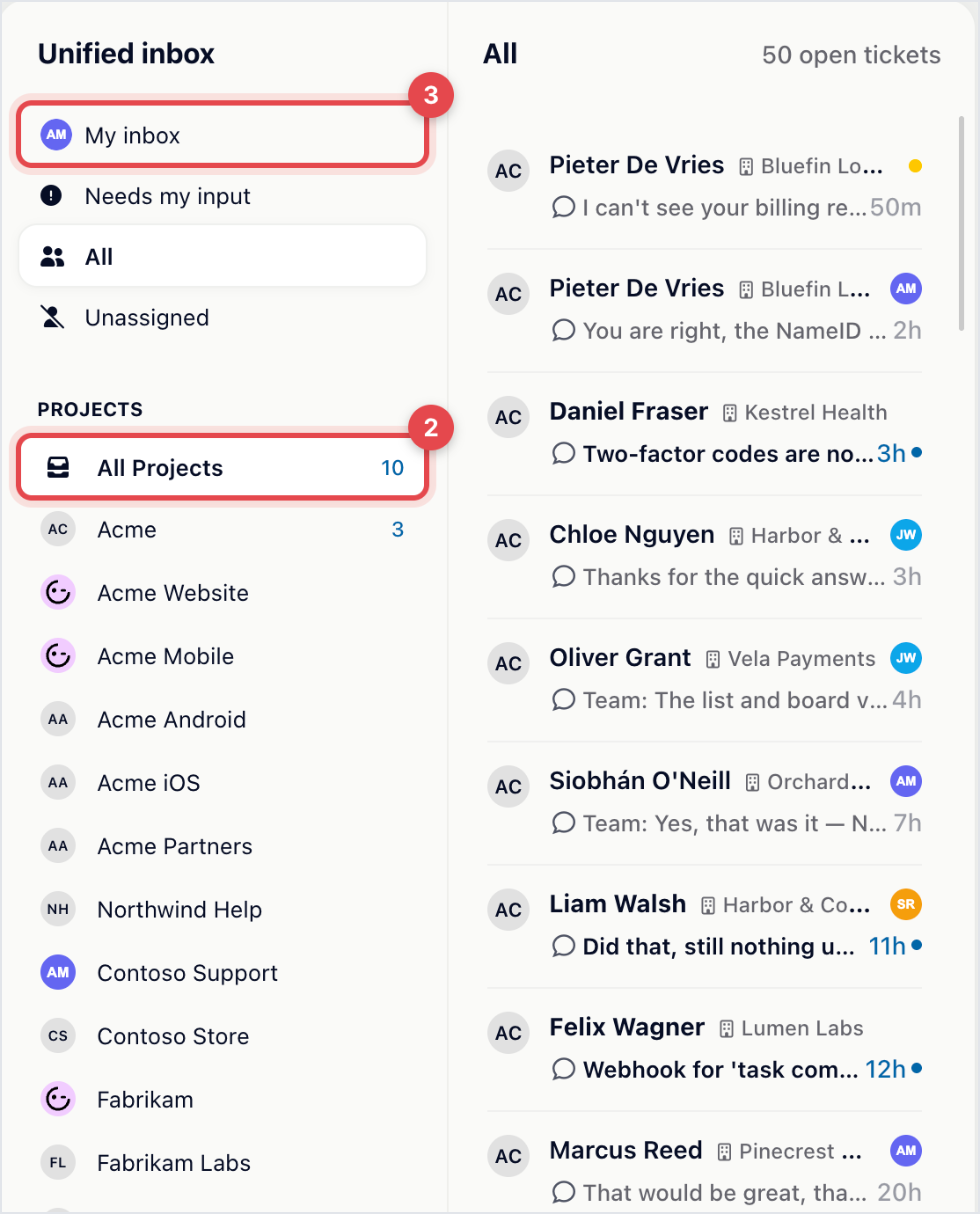
The Unified inbox opens. In the project list on the left, keep All Projects selected, or pick one project to see only its conversations.
Pick a view: My inbox, Needs my input, All or Unassigned. The header shows the view and how many open conversations it holds, such as All · 12 open tickets.
Open a conversation and reply as you would in the project's own inbox.
Each conversation still belongs to its project, so replies go out with that project's sender identity and settings. Each row shows which project it belongs to.

It suits a small team covering several products, and agencies running a project per client. It fixes one specific pattern: the quiet project nobody checks, where the one conversation a week sits unanswered for days.
It helps less when teams are truly separate. If different people own different products, each working in their own project keeps ownership clear, and a shared queue mostly adds noise.
Assign as you go. With one project it's obvious who's dealing with what; across five it isn't, and the unified inbox makes it easy for two people to answer the same conversation.
And check which project you're in before writing. The project label on the conversation is the only thing that keeps you from mixing up two products, and it's easy to miss when you're moving quickly.

