Instagram and Facebook Messenger both come from Meta and connect the same way: you sign in with Meta, choose the account or page, and direct messages arrive as tickets your team answers from the inbox. Both are available on Team and up, and only project admins can connect them.
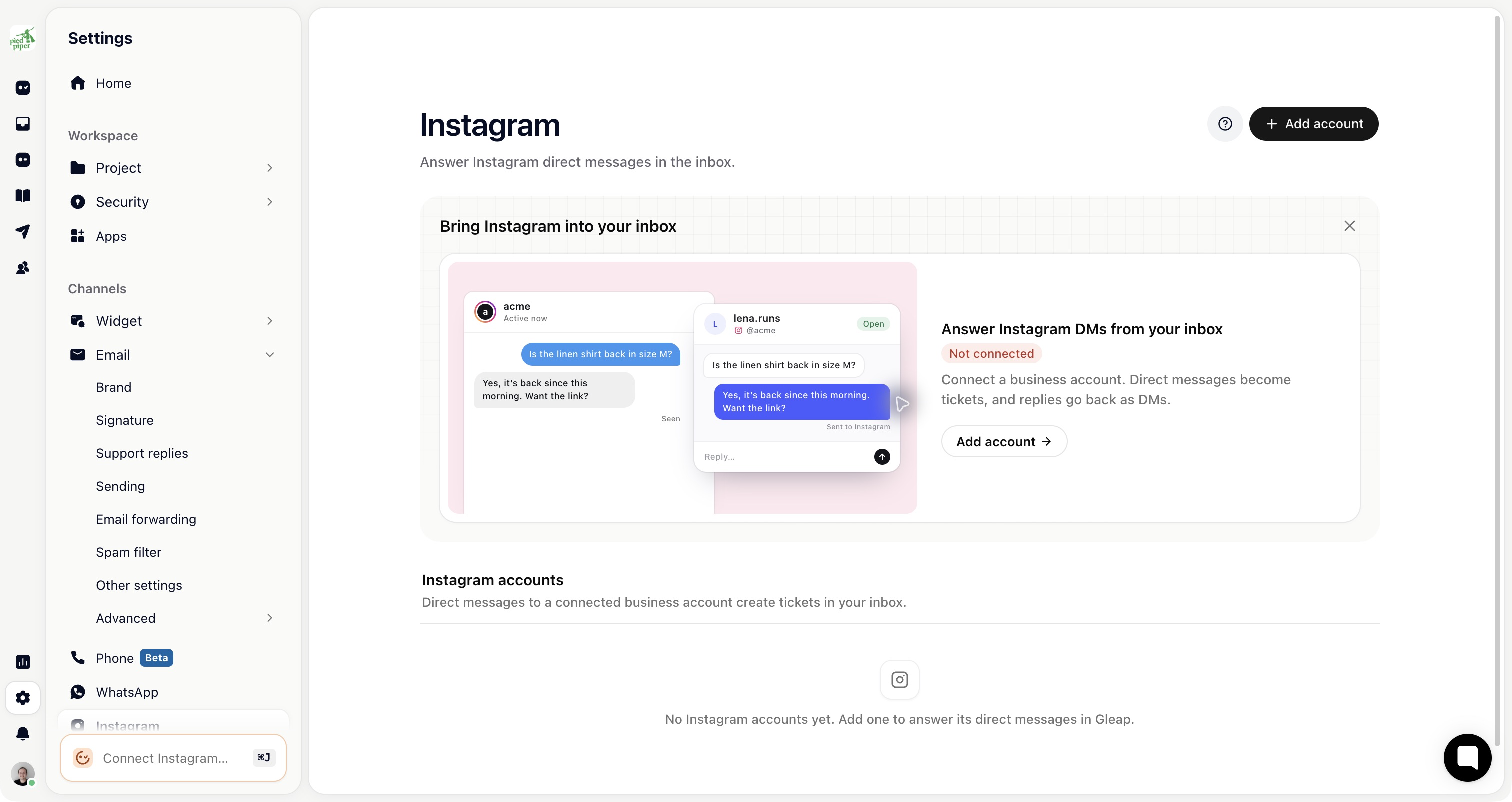
For Instagram: an Instagram business account. A personal one can't be connected; you switch it in Instagram's own settings.
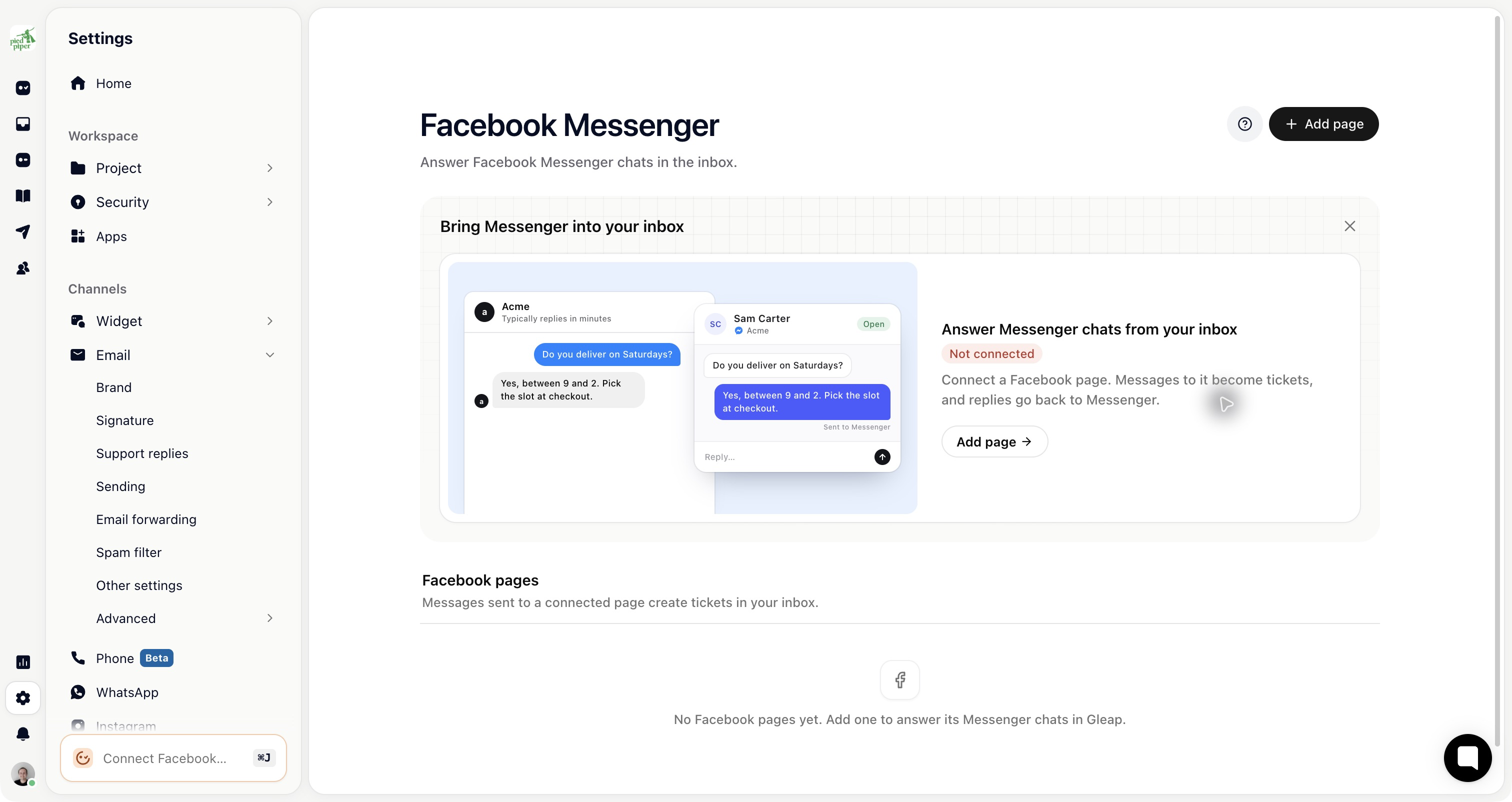
For Facebook: a Facebook page, not a personal profile.
In both cases you need admin rights on the account or page. Connecting with an account that only has partial access is the usual reason a connection seems to work and then delivers nothing.
Open Settings → Apps, choose Add app, search for Instagram or Facebook Messenger and choose Connect. You can also open the channel directly from Settings.
Click Add business account and sign in with Meta. Grant the permissions Meta asks for: messaging permission is what the whole thing depends on.
Choose the Instagram business account and click Connect.
Open Settings → Apps, choose Add app, search for Instagram or Facebook Messenger and choose Connect. You can also open the channel directly from Settings.
Click Add business account and sign in with Meta, granting the permissions it asks for.
Choose the Facebook page and click Connect.
The account or page can't be changed once connected. To switch, delete the channel and connect again.
Then send a direct message from another account, check it arrives as a ticket, and check that your reply comes back.

People message a brand on Instagram the way they'd send a text: short, informal, often from a phone in a queue. Expect less detail than in an email, and questions without any context about who is asking. Short replies work better here than the thorough answer you'd send by email.
Gleap creates a guest contact for the account that messaged you, with no email address and no link to a customer in your own system. Matching it to a customer is manual, so when a conversation turns account-specific, ask them to confirm an email address before you act.
Meta only delivers replies within 24 hours of the person's last message. After that, the composer locks until they write again. Treat these channels as places to answer rather than places to start conversations.
Kai Support answers on Instagram and Facebook while Social & messaging is switched on under AI agents → Kai Support → Settings → Channels. That one switch covers WhatsApp, Instagram, Facebook, Telegram and Slack, and it saves as soon as you flip it. On these channels it's worth revisiting Kai's Answer length in the same settings.

