Your widget starts with a Project ID that ships in your frontend, so anyone who reads your page source has it. Two settings decide where that Project ID is actually accepted: Allowed domains and Region policy, both under Settings → Security. Project admins only.
Go to Settings → Security → Allowed domains.
Click Add domain.
Enter the base domain without http://, for example example.com. Subdomains are included automatically, and localhost works for local development.
Repeat for every domain the widget runs on.
From the first entry on, only websites on the listed domains can start your widget. An empty list means no restriction: the widget loads anywhere.
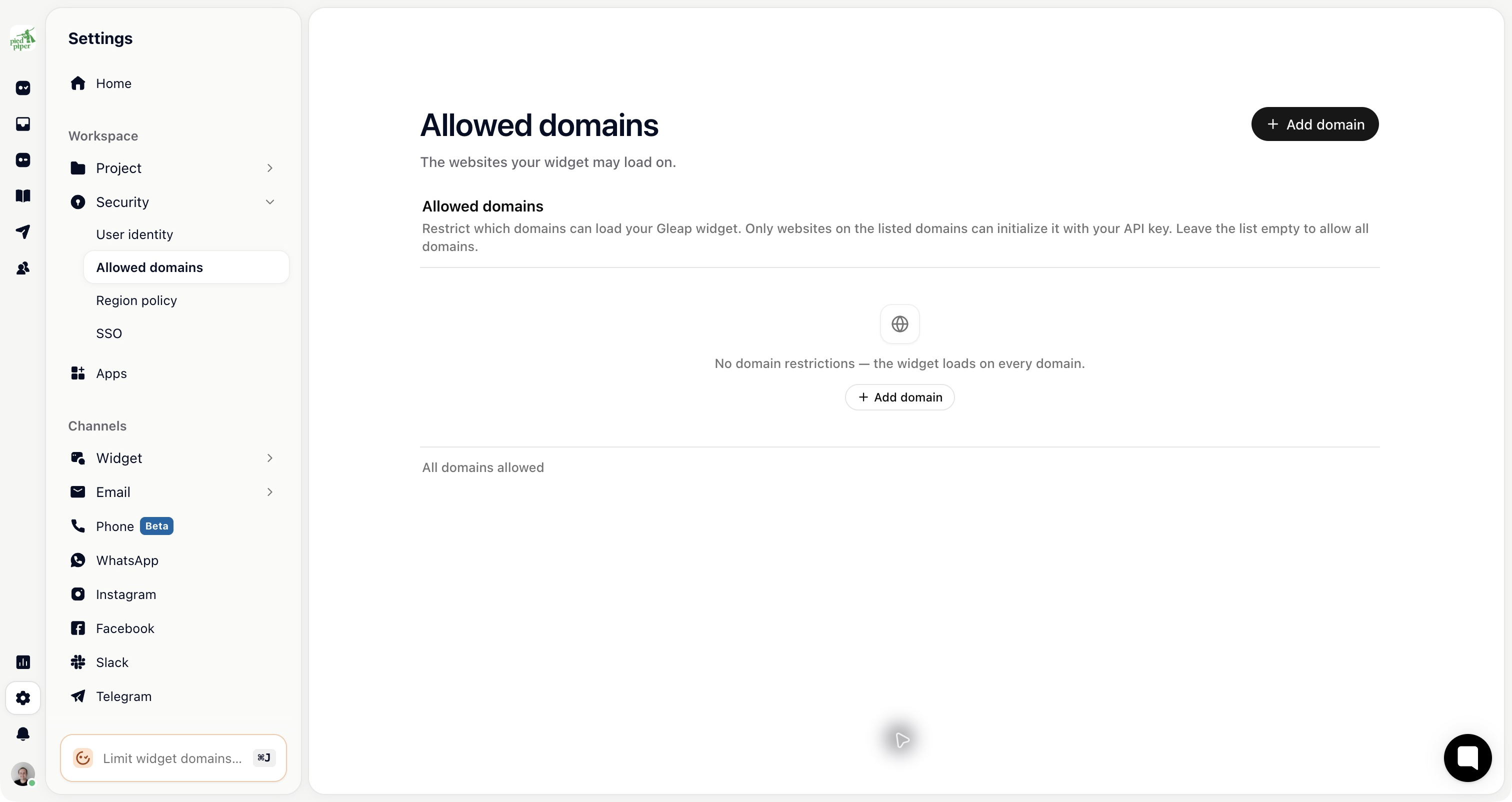
When you add your first domain, Gleap also adds playground.gleap.io. That's the address the dashboard uses for the widget preview, so leave it in.
Set this for any production project. Without it, someone can embed your widget on their own site, and the conversations that arrive look like yours.

Go to Settings → Security → Region policy.
Add countries to Blocked countries to keep the widget away from them, or to Allowed countries to allow only those.
Changes save on their own. Region policy is mostly used to cut spam from regions you don't serve, and to keep the widget out of markets where you don't operate.
The rules apply in a fixed order, which matters when you use both lists:
With neither list set, everyone gets through.
A country on the blocked list is refused, even if it's also on the allowed list.
If the allowed list has any entries at all, every country not on it is refused.
So adding one country to Allowed countries silently blocks the rest of the world. Use the blocked list to exclude a few places, and the allowed list only when you genuinely serve a fixed set of markets.
Gleap uses Cloudflare's view of where the visitor is, based on their IP address. Two consequences:
When the location can't be determined, access is allowed rather than refused. The policy fails open, so an unrecognised address doesn't lock a real customer out.
A customer who is travelling, or on a VPN or a company network that routes traffic through another country, is judged by where they appear to be. Someone in an allowed country can find themselves shut out from an airport.
Treat region policy as spam management, not as a security control. For anything that matters, use allowed domains and sign users in with an identity token.