When Kai or one of your custom agents uses a connected app, such as HubSpot, Linear or your billing tool, it can look things up and make changes there. What agents may do is where you decide which of those tools may run, for whom, and which need a teammate's OK first. You set it once per app, and it applies to every agent that uses the app. Admins and managers can change it; everyone else sees it read-only.
Go to Settings → Connectors and open the app.
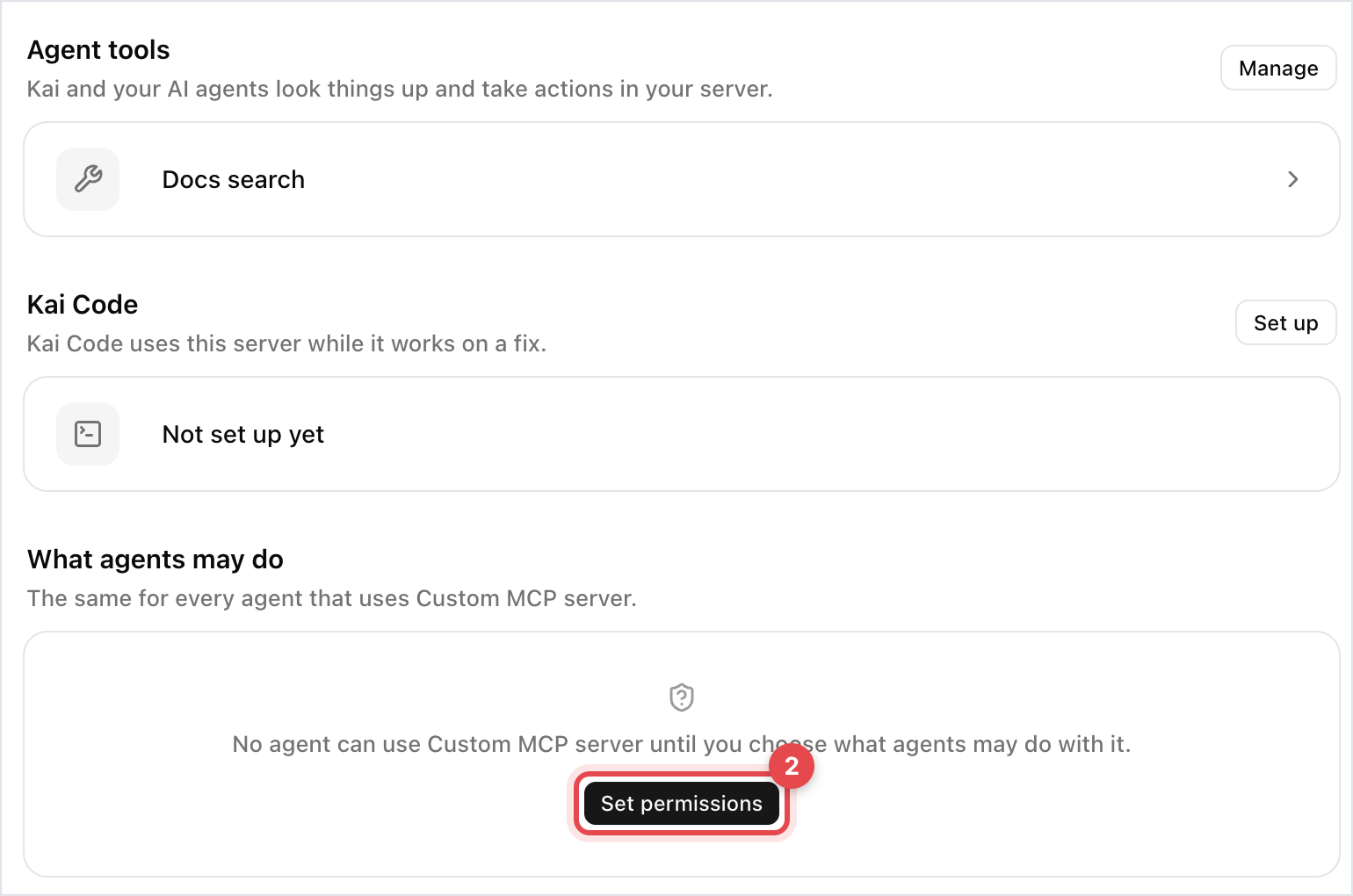
Scroll to What agents may do. If you've never saved it, you see "No agent can use" the app until you choose; click Set permissions.
For a quick start, pick a preset under Set from what each tool does:
Careful: every change asks a teammate first. Customers only get public information.
Recommended: look-ups run. Changes that reach customers ask first. Deleting is off.
Open: your team's agents just do it. Deleting still asks first.
Adjust single tools in the table. Use Set all to change a whole group at once. Each change is saved straight away.
When you connect a new app, Gleap walks you through the same choice: first Which agents should use the app, then What may agents do with it.
Tools are grouped into Looks things up and Changes things. Each tool has two columns.
A customer asks is for Kai answering a customer in the messenger, email or WhatsApp:
Everyone: Kai does it, for guests too.
Identified users: only for users your app identified. Guests are passed on.
Pass on: Kai hands the conversation to Kai Resolve or your team.
Your team asks is for a teammate asking an agent, for Kai Resolve and for work in the background:
Allow: it runs. The teammate's role still applies.
Ask first: a teammate confirms before it runs.
Not allowed: it never runs.
Look-ups don't offer Ask first, because reading changes nothing. Billing and shop tools show Billing rules or Shop rules for customers: they only ever act on the customer's own account, with money limits, and a teammate approves anything above the limit.

A teammate asked: the teammate sees a card with the planned action and clicks Confirm to run it.
The agent works on its own, for example Kai Resolve: it files an approval card on the ticket, and any teammate can click Approve.
Until someone approves, nothing happens in the app.
Kind of tool | A customer asks | Your team asks |
|---|---|---|
Reads public information | Everyone | Allow |
Reads the customer's own data | Identified users | Allow |
Reads or changes internal data | Pass on | Allow |
Changes something the customer sees | Pass on | Ask first |
Moves money | Pass on | Ask first |
Admin actions, such as deleting | Pass on | Not allowed |
When an app adds a new tool later, it starts with these safe defaults and is marked New. Click Looks good to keep them.

