A skill is a repeatable job an agent can carry through from start to finish. Examples include resending an invoice, collecting the details of a bug or preparing a weekly summary.
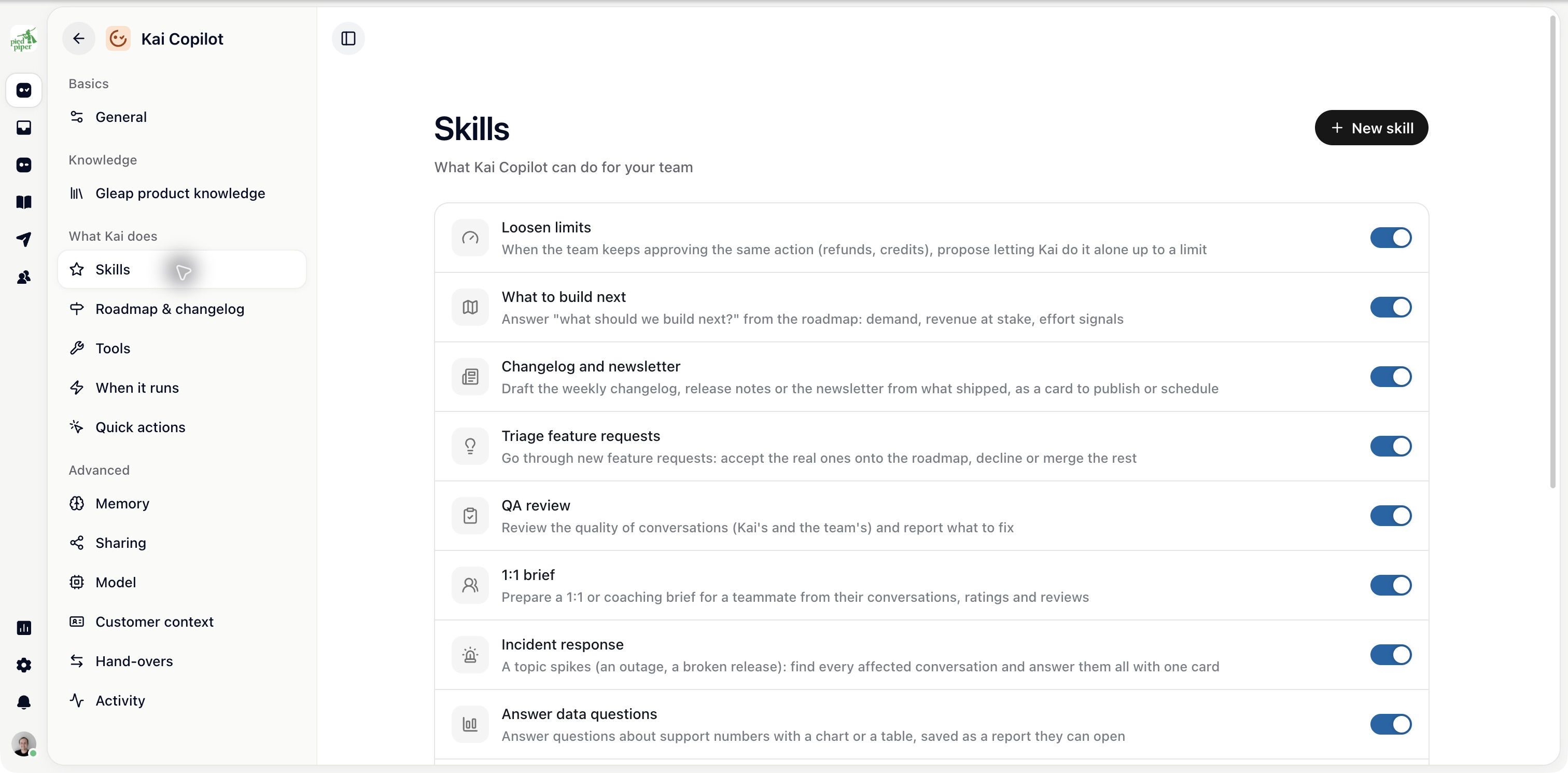
Open AI agents, choose Kai Support or your custom agent, then open Skills.
Choose the option to add a skill and describe the job, or use Write a skill yourself where available.
Give it a clear name.
Under When to use it, describe the request or event that should start it. Add Use when and Don’t use when guidance where shown.
Write the goal and steps.
Choose the tools, knowledge, fields and handovers it needs.
Define Hand off when and When it’s done.
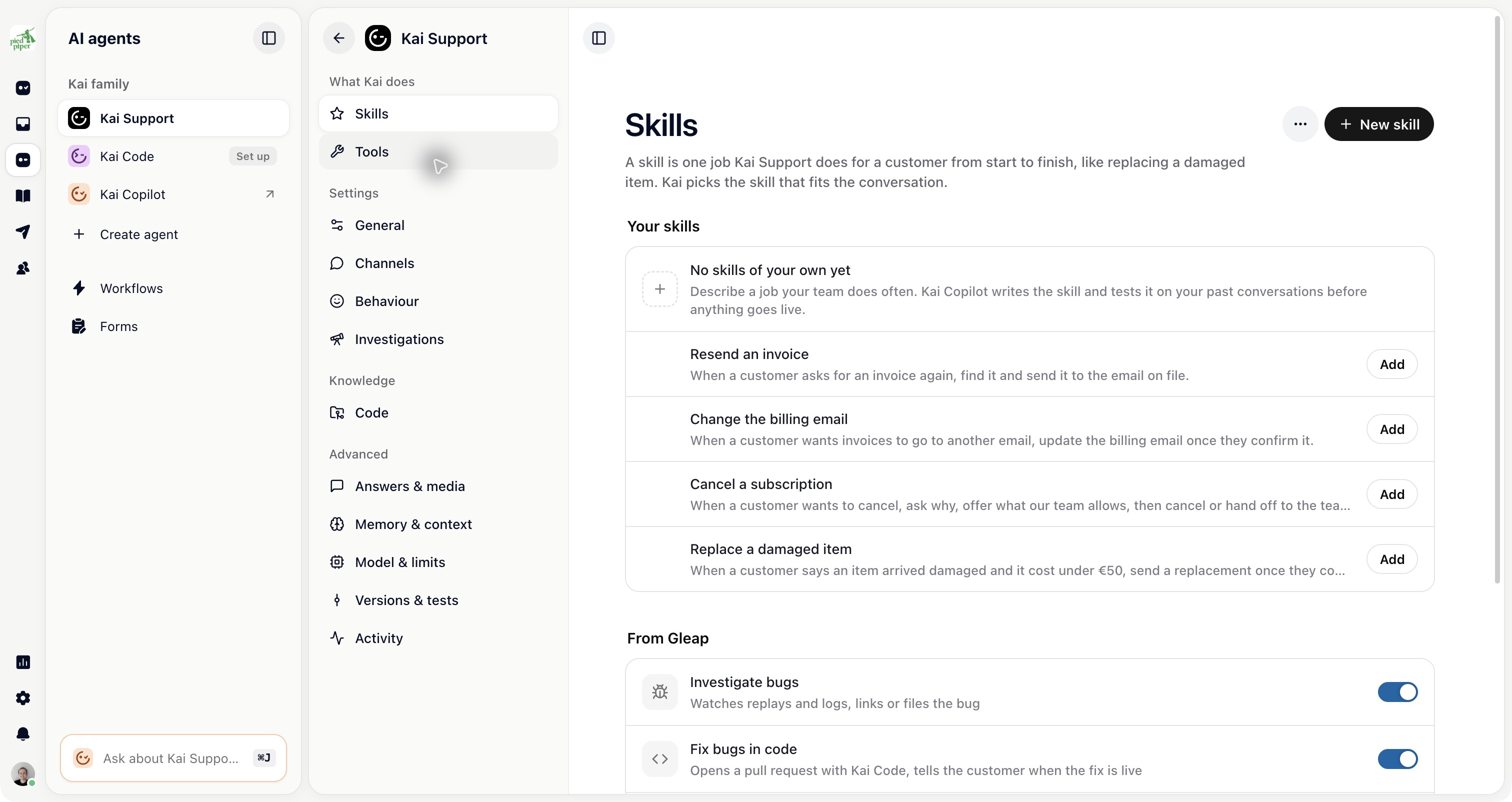
Start with one job. “Handle billing” is too broad; “Resend an existing invoice to the email on file” gives you a result you can test.
A skill can only use tools available to its agent and actions allowed by those tools. Review the connected app before giving a skill a process that changes customer data.
A skill’s instructions explain the process; tool permissions still apply.
Use the Test pane to try the draft and, when available, replay it on past conversations. Check a normal case, missing information and a case that should hand over.
Test results show which version was tested. Editing the draft afterwards can make a previous result stale.
Choose Publish when the draft is ready. Publishing makes it live for the intended audience; testing does not publish it. The stage and status controls show whether it is draft, live or paused.
Keep watching real outcomes. Pause a skill that is behaving incorrectly, fix the draft and test again. Use its history to understand what changed.

