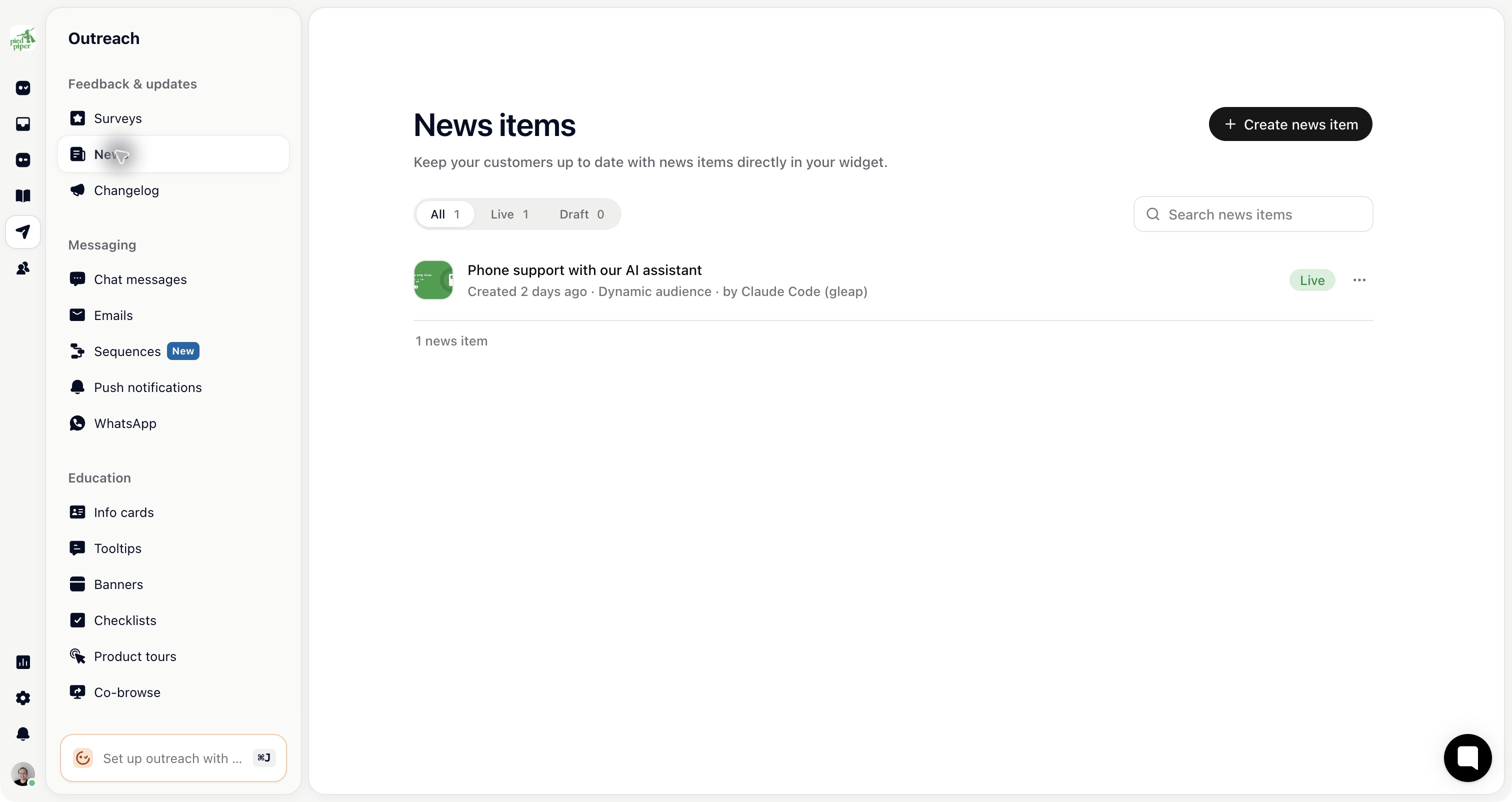
Outreach is where you start the conversation instead of answering one: a survey, a banner, an email, a product tour. You'll find it under Outreach in the left sidebar. Outreach is available on the Team plan and up.
For most message formats, write the content, then open Targeting to choose the audience, trigger and frequency before launching. Surveys have a dedicated Create → Share → Results flow: delivery is configured separately for each channel under Share. Sequences have their own editor and start conditions.
Format (sidebar name) | Where it appears | Needs |
|---|---|---|
Surveys | In your app as a card or full screen, on a survey page, by email or embedded | The Gleap SDK for in-app |
News | The messenger's News tab | The messenger |
Chat messages | The messenger, as if a teammate wrote it | The messenger |
Emails | The recipient's inbox | A verified sending domain |
Push notifications | The phone's lock screen | Push set up for your app |
A connected number and an approved template | ||
Info cards | A card in front of your product (a modal) | The Gleap SDK |
Tooltips | Next to an element on your page | The web SDK |
Banners | A strip at the top of your product, floating or inline | The Gleap SDK |
Checklists | A popup or inside the messenger | The Gleap SDK |
Product tours | Step by step over your interface | The web SDK |
Co-browse | A tour that clicks and types for the customer | The web SDK |
Sequences, also under Messaging, send a series of steps over time and have their own setup.
An info card stops everything. Keep it for things a customer must see before continuing.
A banner is visible without blocking: right for maintenance windows and time-limited notices.
A tooltip waits at the thing it describes, the gentlest way to explain a feature.
News is entirely opt-in. Nothing is interrupted, and only interested people read it.
Email and push leave your product altogether, so they're for things that matter when someone isn't using it.

Every message spends a little of your customers' patience. A useful tip at the moment it applies earns attention back; announcements nobody asked for teach people to dismiss things unread. Before you launch, ask whether this customer would be worse off without it. If not, it probably belongs in news.