A custom agent decides for itself how many steps a task needs. Usually that's a handful. Now and then it's a loop that keeps calling tools and thinking again. Two limits stop that from turning into a surprise: a cost limit and a step limit, both per run.
Open the agent under AI agents and go to Settings → Model.
Enter Max cost per run (USD). It starts at 1.
Enter Max steps per run. It starts at 100 and can be set from 4 to 200.
Changes save automatically.
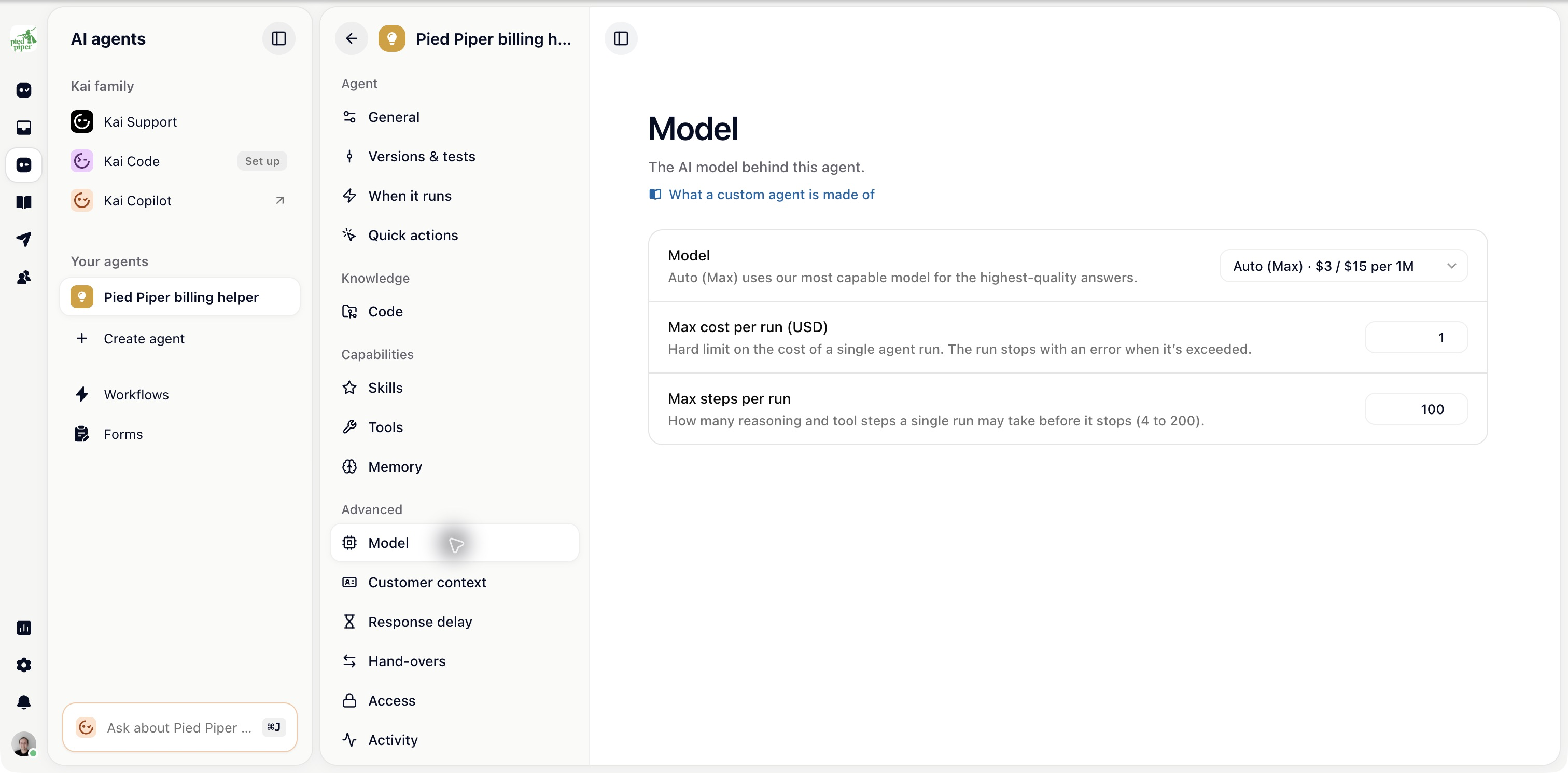
Both limits apply to one run, not to a day or a month. An agent triggered a thousand times can still spend a thousand times the cap. The limits protect you against one bad run. A trigger's frequency is what controls volume.
At three quarters of the cost limit, the agent is told it's running out and asked to wrap up. It usually finishes cleanly, so many runs that would have been cut off end properly.
At the limit, the run stops and is recorded as budget exceeded. That's its own outcome, separate from a general failure, so you can tell the two apart when you review runs.
Every reasoning step and tool call counts towards Max steps per run. It catches an agent that loops cheaply, where the cost limit would take a long time to kick in. A run that reaches it is recorded as step limit exceeded.
Read that as a sign the task was too broad or the instructions gave the agent no clear finishing point. Narrowing the job, or splitting it between two agents, fixes it more reliably than raising the number.
Base them on what the agent really needs, then leave some headroom.
An agent that tags a ticket or moves it between lanes makes one or two model calls. The defaults are far above what it needs, and lowering them makes a loop show up fast.
An agent that reads a long thread, calls several tools and writes a careful reply may need more, especially on an expensive model.