Open AI agents → Kai Support → Settings to change how Kai presents itself. General holds its profile, Behaviour holds its tone and instructions, and the advanced pages hold answers, media, memory and limits.
Changes save automatically. Wait for the saved state before leaving a page.
Open Settings → General inside Kai Support.
Under Profile, enter the Name customers see.
Choose an avatar.
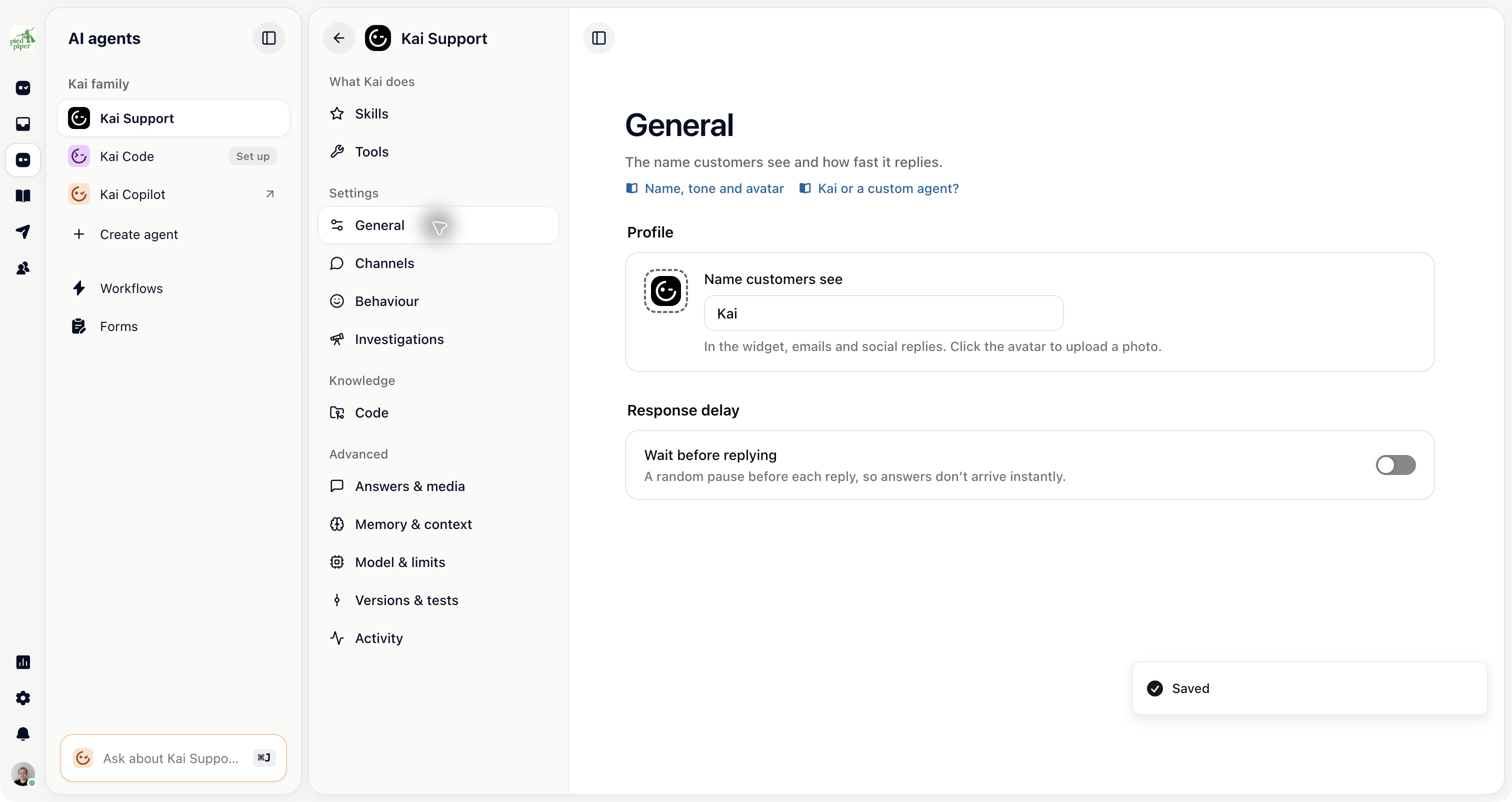
The name and avatar are used on Kai’s customer replies. Renaming it does not remove the AI identification shown to customers.
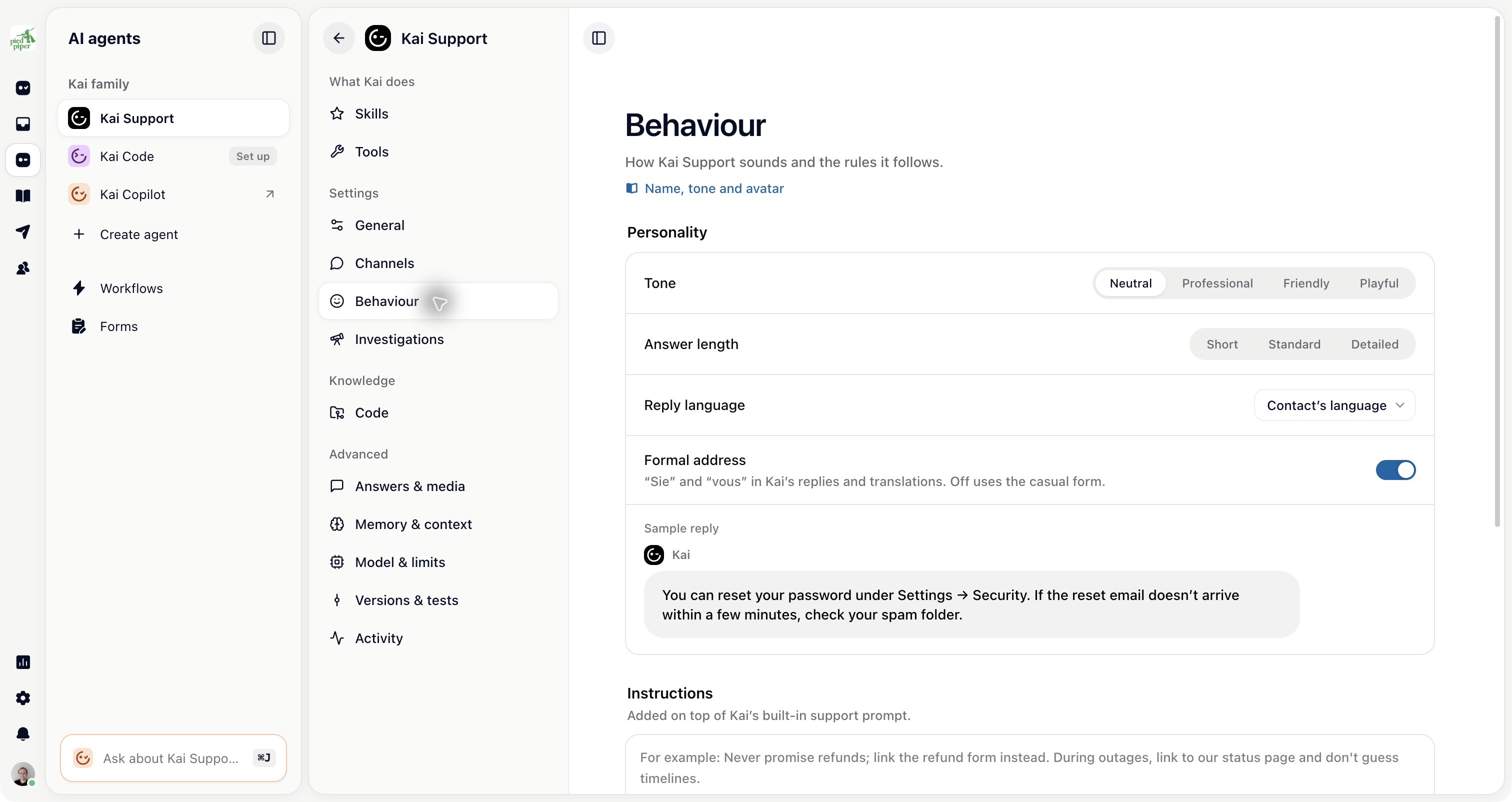
Open Behaviour and choose the settings under Personality:
Tone: Neutral, Professional, Friendly or Playful.
Answer length: Short, Standard or Detailed.
Reply language: the contact’s language, the question’s language or a fixed language.
Formal address: whether replies use a formal form of address where the language supports it.
Use the sample reply to check the combination. Try questions in the languages your customers use as well.
The Instructions section is on the same Behaviour page. Use it for rules such as how to address customers, which support process to follow and when Kai should stop and ask your team.
For a complete job with steps, tools and a handover rule, add a Skill. General instructions shape Kai’s behaviour across conversations; a skill defines how it handles a particular job.
Open Answers & media to choose:
Content it answers from: the knowledge scope used unless a workflow sets its own.
Show sources: links to the articles used in an answer.
Images: reading screenshots and photos, when supported by the model.
Voice messages: transcribe a recorded message and answer in text.
Live voice calls: let customers talk to Kai from the widget, on a plan that includes Kai Voice.
Call voice, monthly voice minutes and pronunciations for calls.
A recorded voice message and a live call are different settings.
Open Memory & context for customer memory and Use contact data. The latter controls whether custom contact attributes you send through the SDK are included in Kai’s context.
These settings also shape Kai’s investigations. There is no separate personality or tool list to maintain for Kai Resolve.