Some conversations are faster on the phone. Connecting Aircall means the call starts from the contact's page in Gleap, and what came out of it stays with the contact rather than in someone's memory. Only project admins can connect it, and it needs the Team plan or higher. Each project takes one Aircall account.
Go to Settings → Connectors and pick the Channels filter.
Click Connect next to Aircall.
Sign in and authorise your Aircall account.
Gleap registers its webhook in Aircall for you. There's nothing else to set up: no destination and no ticket types.
Open the contact and go to their Notes tab.
Click Call contact.
It hands off to the Aircall desktop app, which has to be installed and running. If the app doesn't take over within two seconds, Gleap shows a warning rather than leaving you waiting. The contact needs a phone number on their record; without one, Call contact doesn't appear.
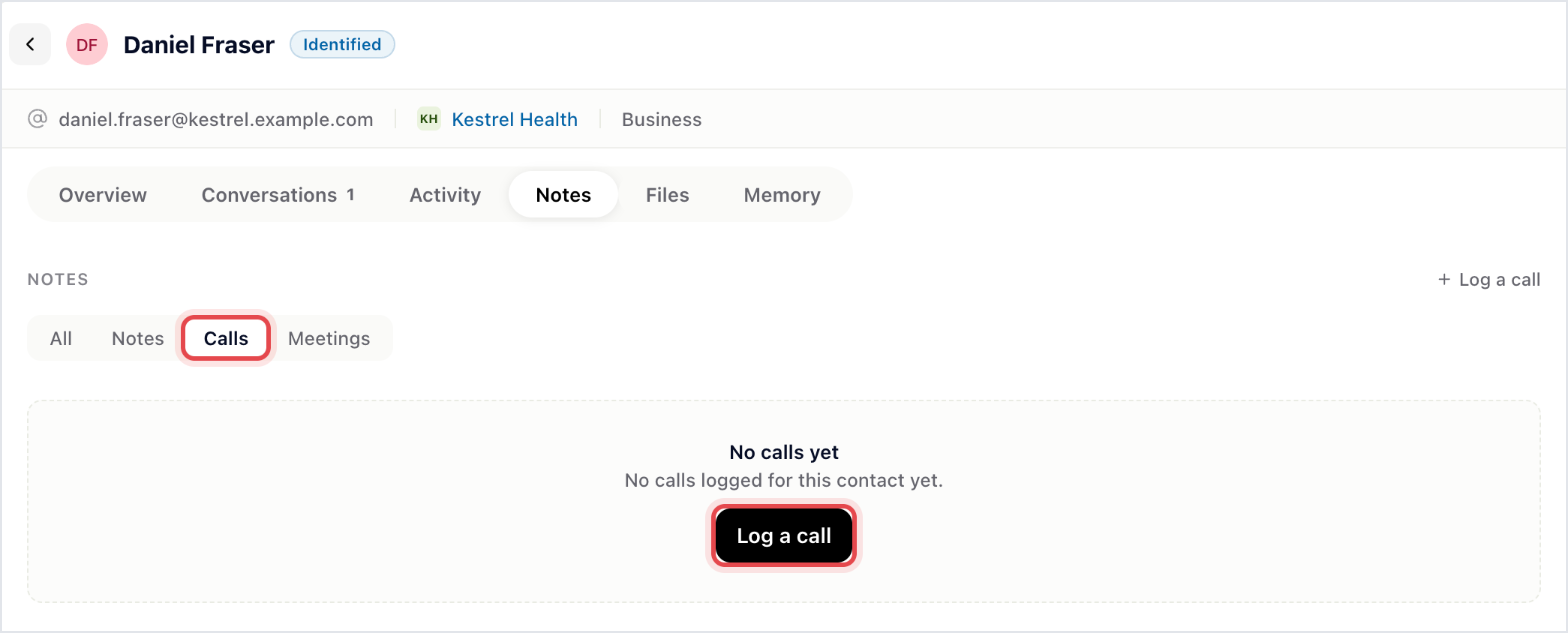
Calls are kept in the same Notes tab: pick the Calls filter to see only them, and click Log a call to write one up yourself. Write down what was agreed while it's fresh. "We discussed it on a call" is worth nothing to whoever picks the account up next.
Gleap matches the caller's number to a contact and keeps one note per call, titled Aircall Call with the date, in the contact's Notes tab. Each step is added to that note as it happens: the call starting, who answered, transfers, holds, the end with its duration, voicemails, comments and tags, plus Aircall's summary, sentiment, topics and action items when Aircall sends them. A call from a number that matches no contact isn't logged.


