Needs you brings together work an AI agent cannot finish without a person: a question, an approval, a draft or a decision. You can reach relevant items from the Inbox, notifications and the agent conversation.
Open the item and read what Kai is asking.
Check the ticket, customer and proposed action.
Supply the missing information or use the decision shown on the card.
Check the follow-up in the conversation or task.
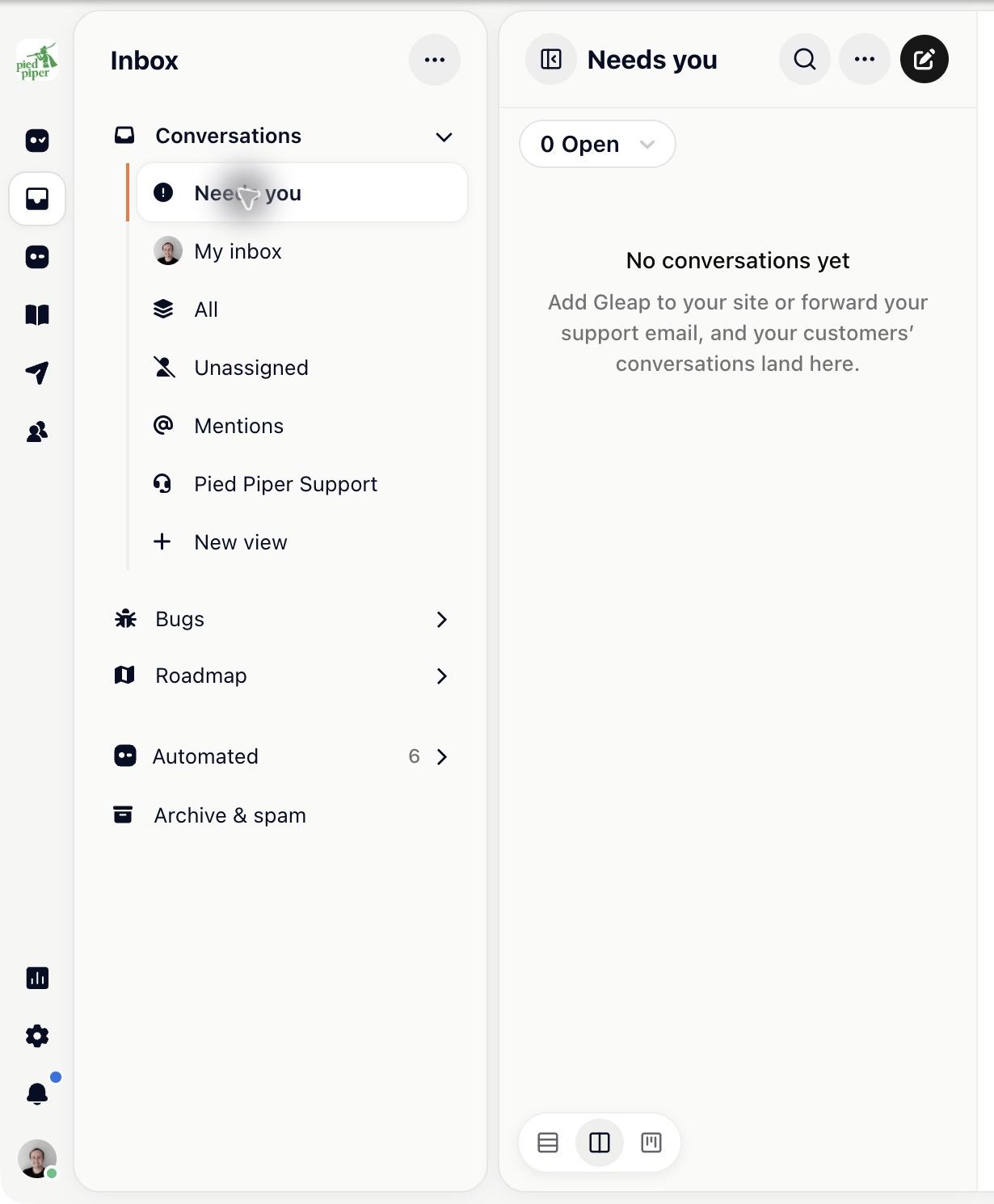
An approval may allow a real customer message or a change in a connected system. Review the exact proposal before confirming it.
A task waiting for input is not a completed run. If you are not the right person, route or assign it according to your team’s process rather than leaving it unanswered.
Some tasks have due times and escalation rules configured by your administrator under Settings → Inbox & tickets → Tasks.
With roadmap jobs set to Asks first, new-request decisions, release-note drafts and newsletter approvals can arrive in Needs you. Review the customer-facing wording as well as the action.
A scheduled newsletter waiting for approval can be skipped if no one approves it before its time. Check Kai Copilot → Settings → Roadmap & changelog for the job’s current mode.
Provide the information needed to continue, including any constraint that changes the decision. If the same question keeps arriving, improve the agent’s skill, instructions or tools so it has a reliable rule next time.

