A routine gives Kai a job to repeat. It can run On a schedule or When something happens. Open Kai Copilot → Routines to see recurring work alongside its last run and current state.
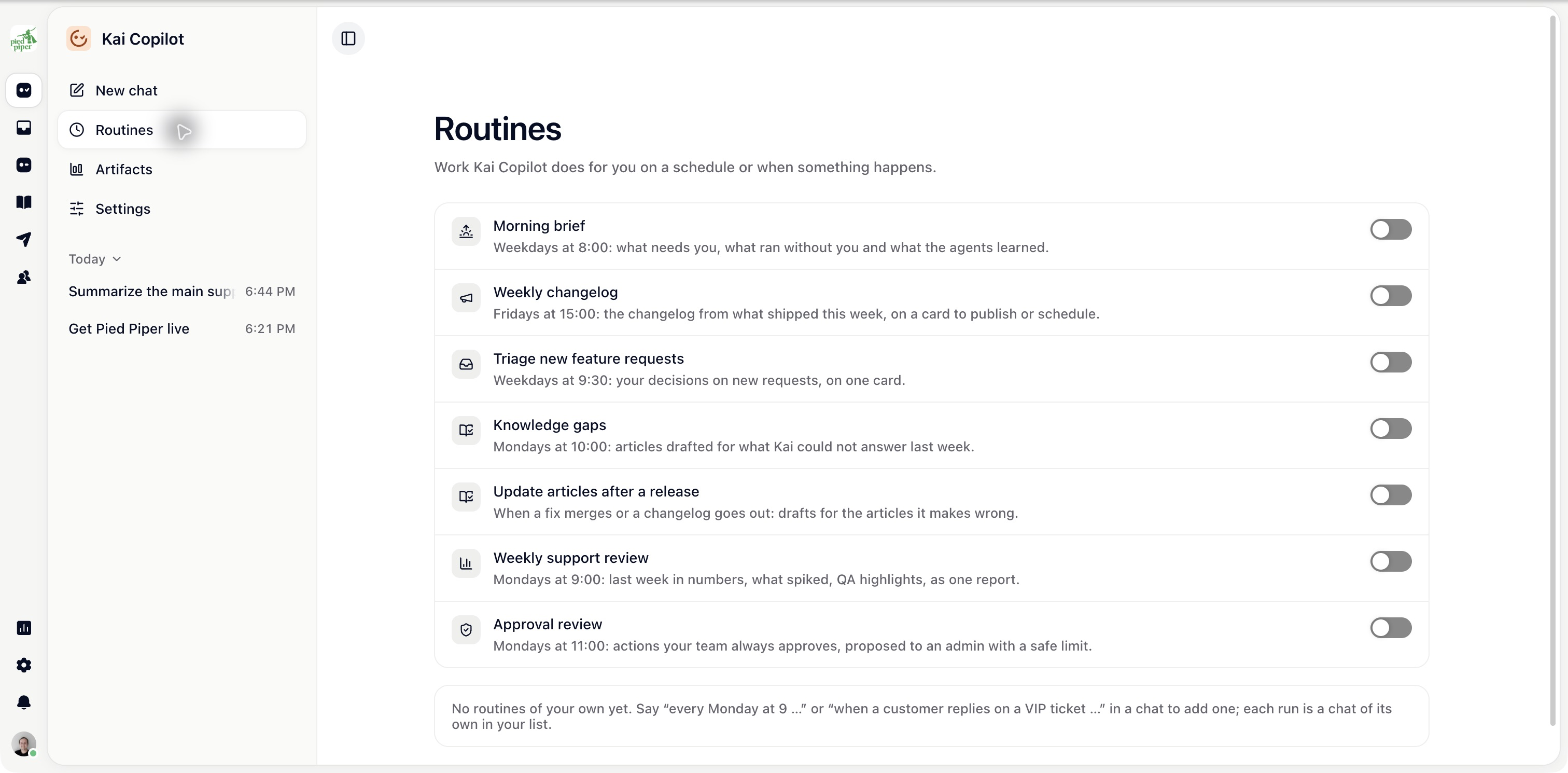
Ask Kai in a chat for the job, timing and destination. For example: “Every Monday at 09:00 in Vienna, prepare a summary of last week’s open bugs for the team.”
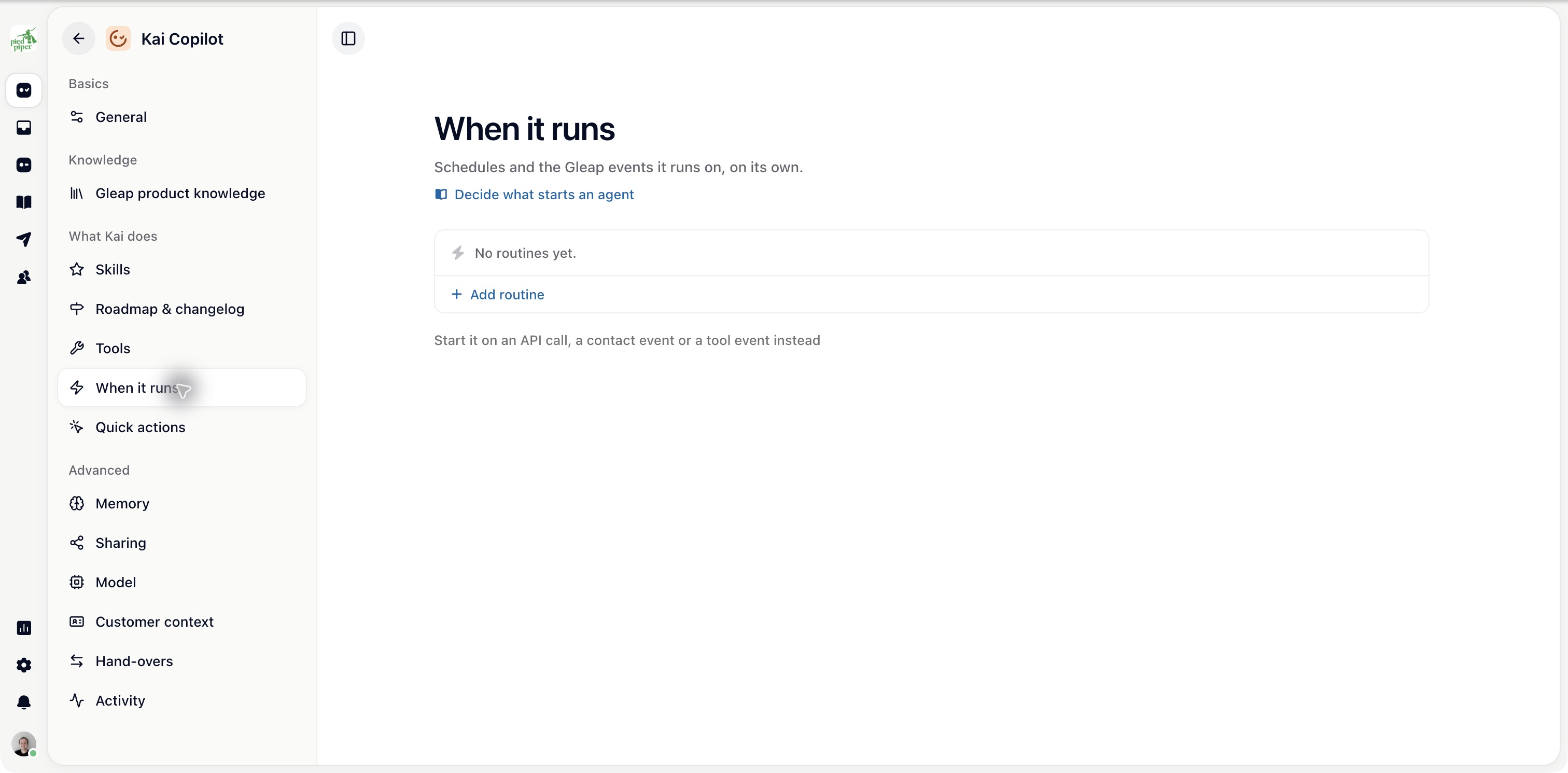
For manual setup, open Kai Copilot → Settings → When it runs → Add routine. In New routine, choose the schedule or event, enter the job, check its timezone and turn On on when ready. Review the saved instructions and next run before relying on the routine.
For an event routine, pick the event and conditions rather than relying on wording such as “when needed”. For a schedule, check the next run time.
Where available, Share runs with the team controls whether other teammates see the runs. A task for each run creates a task with the title you set, so the result has a clear place for follow-up.
The routine still needs access to the tools and data required for its job.
From its menu in Routines:
Run now starts a run without waiting for the next scheduled time.
Open last run shows what happened.
Pause stops future runs; Resume enables them again.
Edit in chat lets you change routines that support it.
Check a first run before leaving a routine unattended. If it fails, inspect the run for missing access, expired connections or an unclear instruction.
Roadmap and changelog work is listed with Kai Copilot’s other routines. Its dedicated publishing and newsletter controls are under Settings → Roadmap & changelog.

