The announcement is a short notice inside the messenger, shown on Home and Messages. Use it for an outage, special opening hours or planned maintenance.
Open Settings → Widget → Content → Announcement. Teammates whose role can manage the announcement can use the announcement-only view without all widget appearance settings.
Turn on Show a banner.
Write the Message and its translations.
Set Start showing and Stop showing under Schedule.
Check the preview.
Choose Publish.
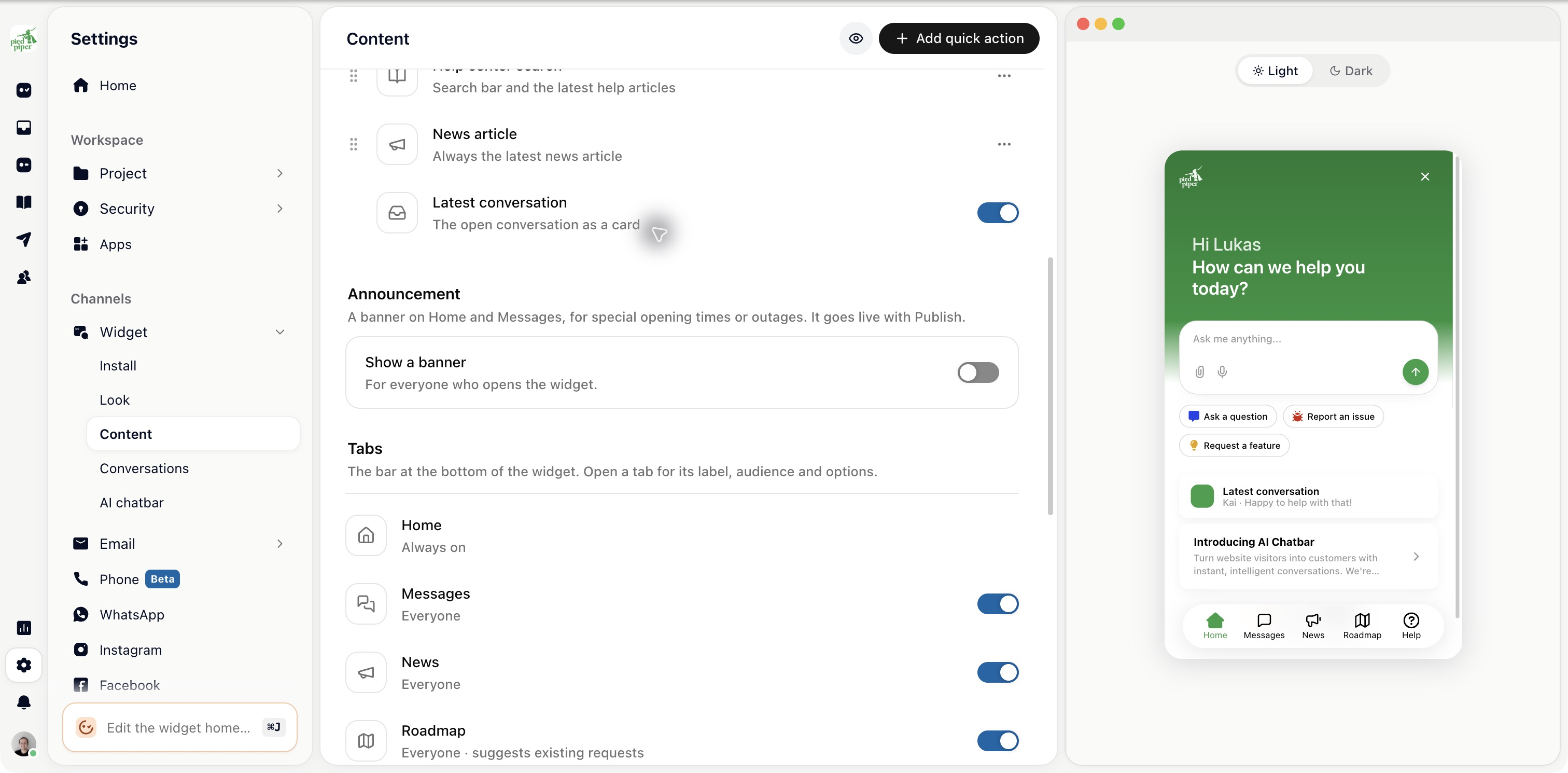
The announcement keeps its own explicit publish action. Changing a draft message does not replace the live announcement until you publish it.
Say what is affected and what the customer should expect. For example: “Uploads are failing for some customers. We’re working on it and will update this notice by 15:00.”
A scheduled stop prevents an old notice from staying visible after the incident. Update or switch the announcement off when the situation changes.
This notice is inside the messenger. It does not reach visitors who never open it. For a banner on the page itself, use Outreach → Banners instead.
For a significant incident, keep the message consistent with your status page and other customer updates.