Open Knowledge for the content Kai can read. Help-center Collections and Articles sit first; other sources are grouped under Sources Kai reads. Improve holds learning from solved conversations.
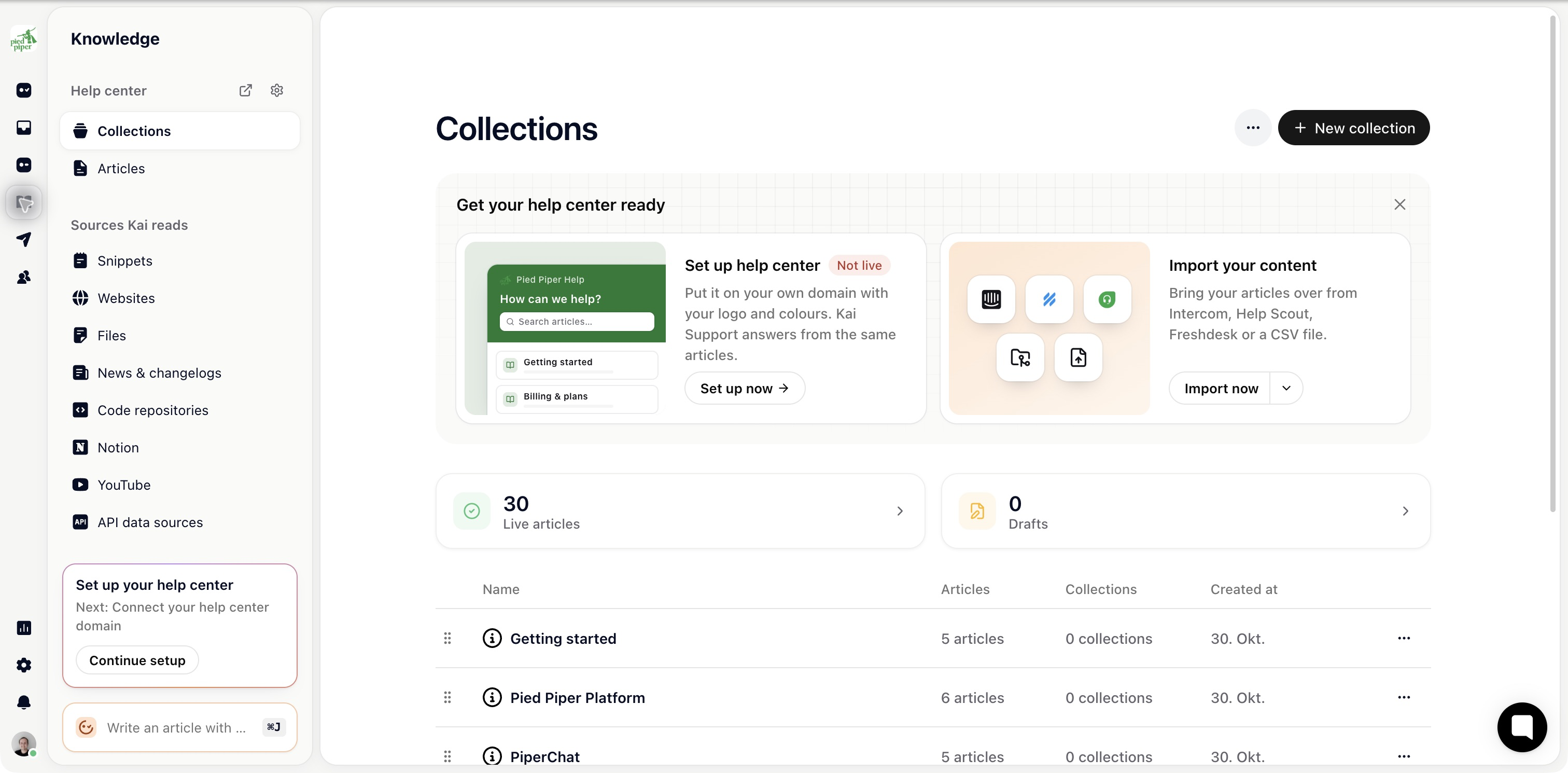
Help articles serve customers and AI answers. Publish an article before expecting Kai to use it. Editing a live article leaves the published version in use until you choose Update.
News & changelogs provides published product updates. Create those posts under Outreach and review them as a knowledge source in Knowledge.
Snippets hold short answers or runbooks that do not need a public article. Use clear questions and answers, folders and tags. A snippet is often the quickest way to correct a gap.
The internal tag can exclude content from customer-facing AI scopes. It does not by itself hide a help article from readers.
Websites: crawl a public site or sitemap, with supported recrawl schedules.
Files: upload supported documents and convert them to knowledge. Uploading creates a copy; later edits to your original file are not automatically imported.
Notion: import or sync authorised pages.
YouTube: import supported videos, playlists or channels.
Code repositories: connect and scope code knowledge.
Products: appears when your project has a product catalogue imported through the API.
API: existing API sources are listed where present. For a new live account lookup, use an API call tool.
Availability and limits depend on the source and plan. Review the count and limit shown by the source page.
Open AI agents → Kai Support → Settings → Answers & media → Content it answers from to set the default knowledge scope. A workflow can set its own scope.
With multiple help-center sites, site access and AI-use settings also matter. Kai should not quote restricted content to someone who cannot open it.
A source provides knowledge. A tool fetches current data or performs an action. For an order’s current status or a customer-specific account lookup, configure the appropriate tool under the agent’s Tools page.