Open Settings → Phone to manage the numbers Kai and your team answer. Phone is marked Beta. Ordering a number needs an organisation administrator and a paid plan that includes Kai Voice.
Choose Get a number.
Choose Get a new number or Keep my number.
Choose the country, available number type and number, then name the line and choose its starting language.
Complete the company details and any documents requested for that number.
Review the price and ordering information before submitting the order.
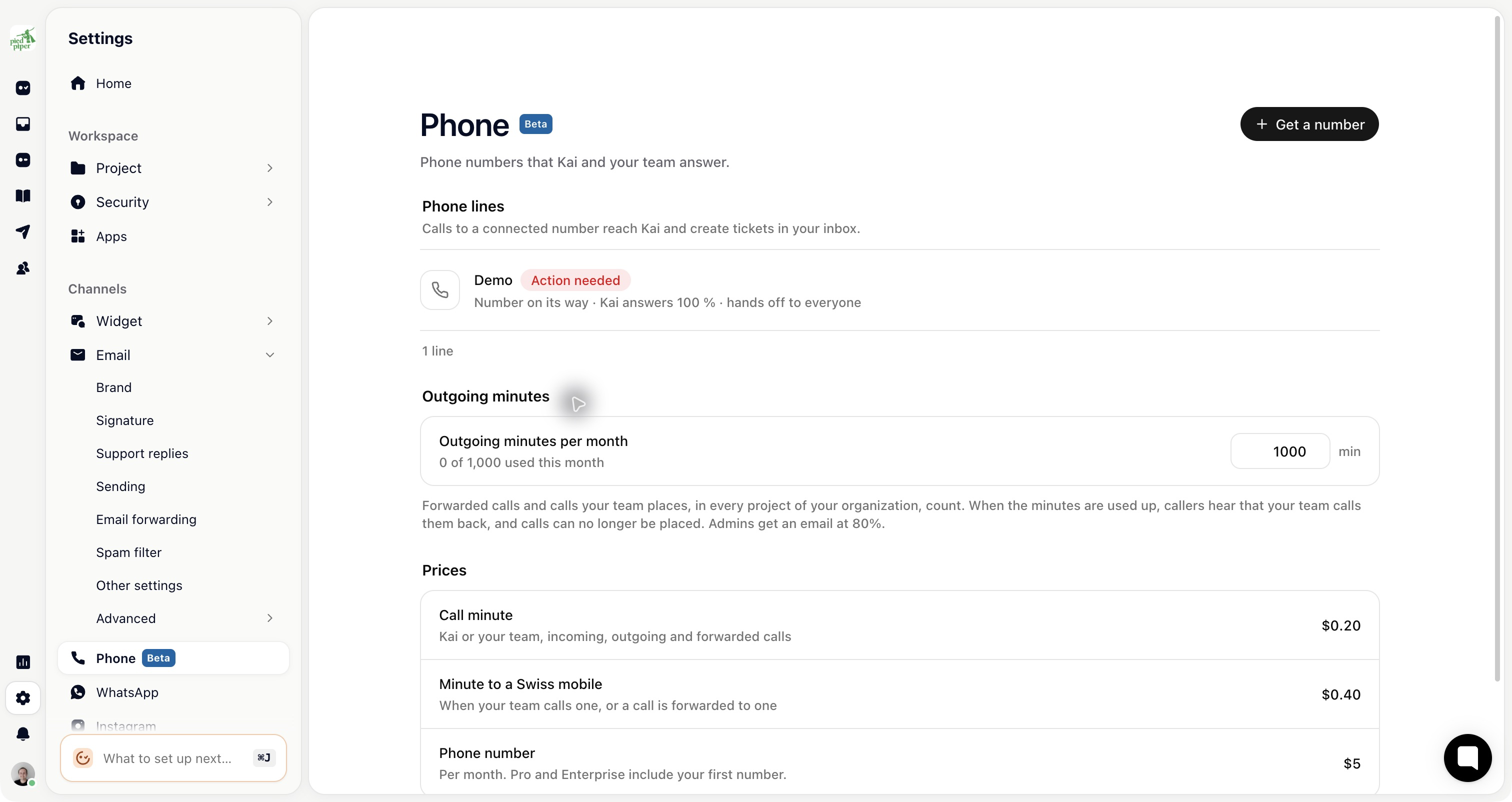
A number can need review before it becomes live. Its status on the Phone page tells you whether it is connecting, in review, needs action, paused or live.
Keep my number uses forwarding from your existing provider to a Gleap number. Follow the instructions shown for the line; it does not mean the existing number has automatically been ported.
Open a line and choose Kai & greeting. Kai’s AI disclosure plays first. Set the greeting that follows, the voice and the starting language. Kai can follow the caller when they switch language.
Review Press 0 for a person, voicemail, team-call transcription and recording. Recording retention applies to new recordings. Only teammates with the relevant permission can listen to them.
Under Routing & handoff, choose:
Ring a team in Gleap: ring eligible teammates in the configured order.
Create a callback ticket: send the request to the inbox for follow-up.
Forward to a phone number: call an allowed external number on a plan with forwarding available.
For team ringing, configure the steps and fallback. For external forwarding, enter the number with its country code and a ring time shorter than its voicemail. The person answering presses 1 to accept the call.
Outside opening hours, Kai still answers; when a person is needed, the caller is told the team will call back.
Save the line’s settings, then use Try Kai now for a browser test. Also call the actual number to verify provider forwarding, ringing and fallback. Check the ticket and transcript in the inbox.
Current number, AI-minute and forwarding prices are shown on the Phone page. Review those rates and limits for your workspace.

