If your product already sends identify and track calls to Segment, Gleap can receive them from there. You get the same contacts and events as calling the SDK directly, with no extra instrumentation. The endpoint uses Gleap's API, which needs the Team plan or higher.
In Gleap, go to Settings → Developer → API keys, click Generate API key, give the service account a name such as "Segment" and copy the key. It's not your Project ID.
In Segment, add a Webhook destination pointing at the address for your project's region (below).
Authenticate it with HTTP Basic auth: the username is the API key from step 1, and the password stays empty.
Send a test event from Segment and check that it arrives (see below).
The webhook address depends on where your project is hosted. Settings → Developer → API keys shows your project's Data region.
EU: https://api.gleap.io/webhooks/segment
US: https://api.us.gleap.ai/webhooks/segment
If your Segment destination asks for a header instead, send the Base64 encoding of the key followed by a colon:
Authorization: Basic <base64 of "YOUR_API_KEY:">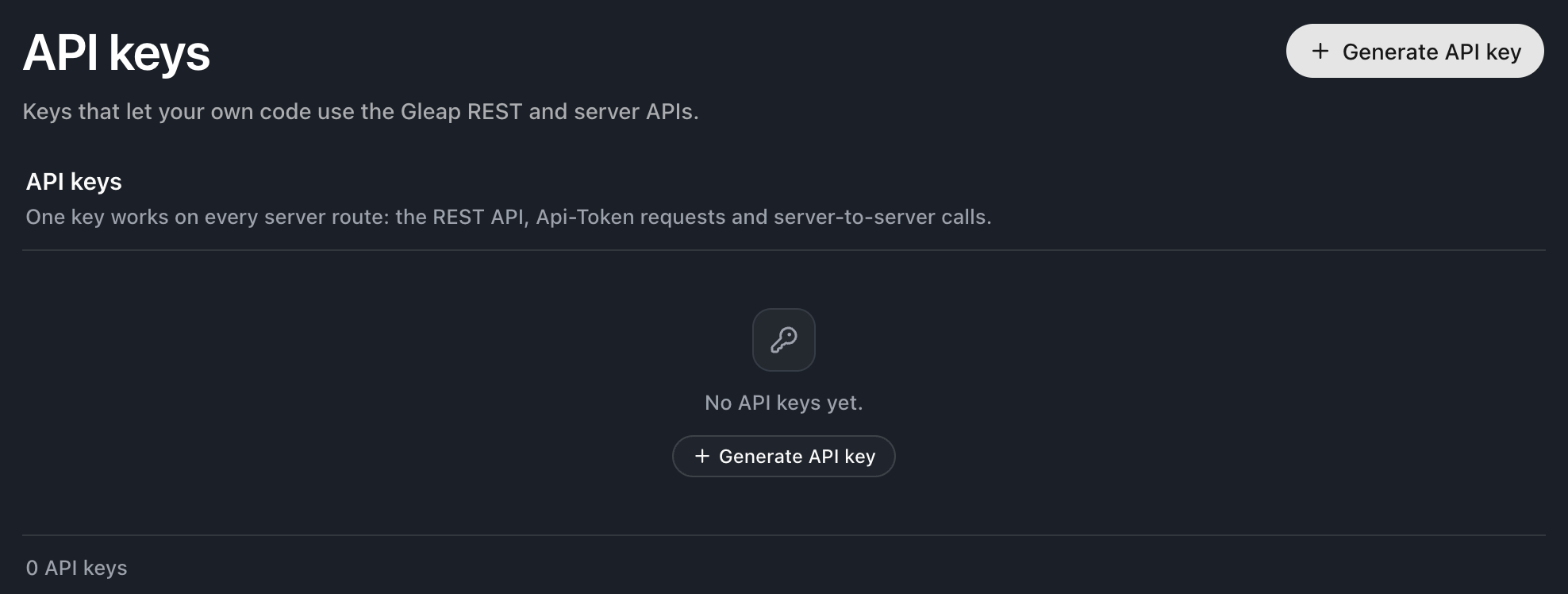

Two call types are handled, and the rest are ignored.
identify: creates or updates the contact for that user id, with the traits you send. Where there's no user id, the anonymous id is used instead.
track: records an event on the contact with that user id, creating the contact if it doesn't exist yet. It keeps the event name, its properties and the timestamp Segment sent. Track calls without a user id are dropped; the anonymous id isn't used here.
Page and screen calls don't come through. If page views matter to you, the Gleap JavaScript SDK already tracks those on its own.
The user id is what ties everything together. Send the same id to Segment as to Gleap.identify. Otherwise the same person becomes two contacts, one holding the conversations and one holding the events.
Traits map onto Gleap's contact fields by name, so name, email and phone land where you'd expect. Other simple values (text, numbers, true/false, dates and lists) become custom data; nested objects are skipped.
Use Segment when your events are already there and you'd rather not add another call to every code path. Use the SDK when you want the messenger to react immediately. Events routed through Segment take an extra hop and arrive later, which matters for a checklist or a message that should fire the moment someone finishes setup.
Doing both is fine, as long as the ids match and you don't send the same event twice under different names.
Segment's event delivery view shows what it sent and what came back. A 401 means the wrong key, or a revoked one. A 402 means your plan doesn't include API access. A 200 with nothing visible in Gleap usually means the call type wasn't identify or track, or a track call had no user id.

