The AI chatbar is a slim input that floats on your website, outside the messenger. Someone with a question can type it straight away instead of finding the launcher, opening the messenger and picking an option. It's the shortest path from "I'm stuck" to an answer, so it tends to raise the number of questions asked and lower the number that reach your team.
The chatbar is part of the web SDK. Project admins set it up.
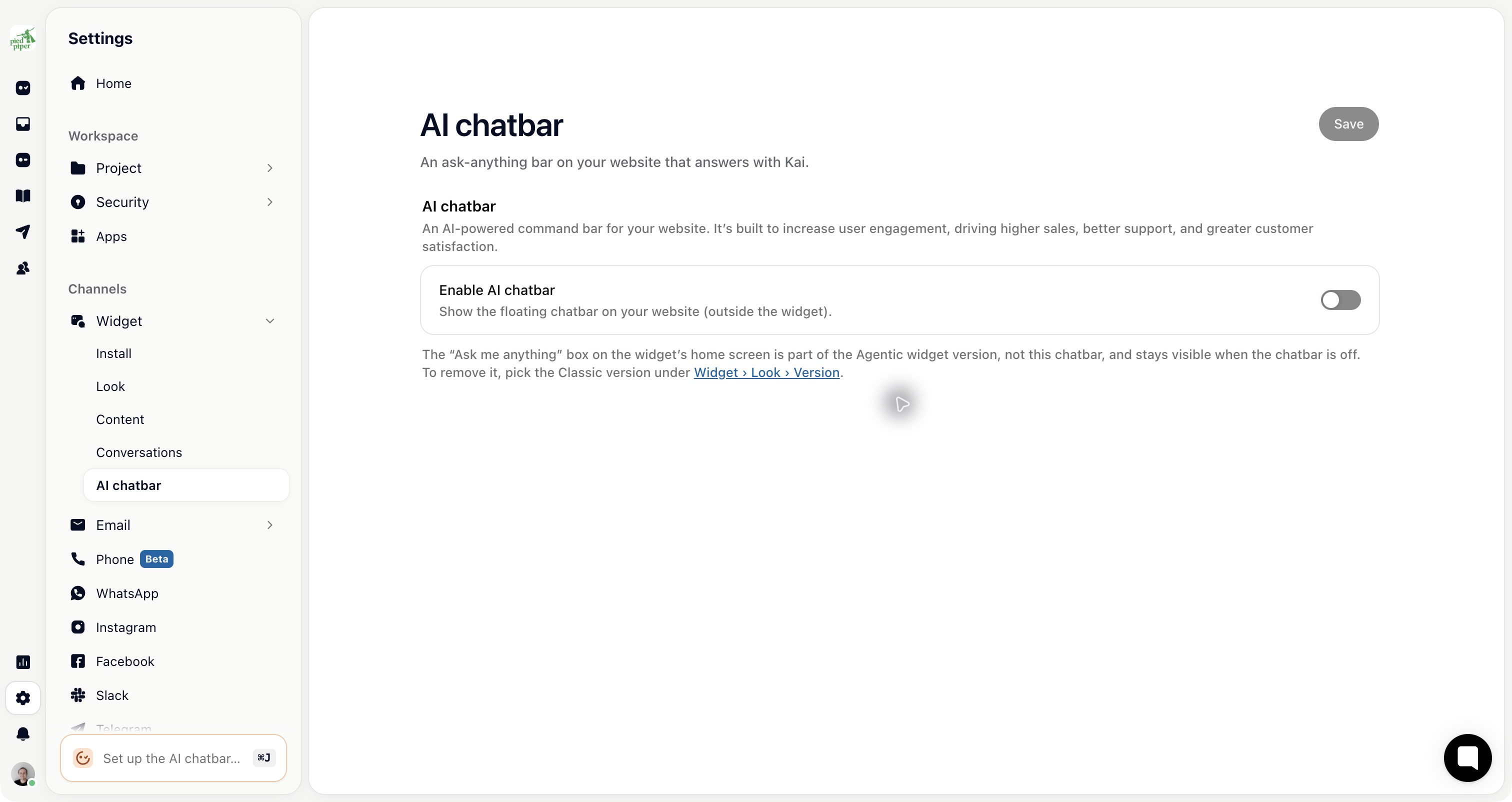
Go to Settings → Widget → AI chatbar and turn on Enable AI chatbar.
Write a Placeholder: the hint shown in the empty bar.
Under Quick actions, click Add quick action for each conversation starter you want shown above the bar.
Under Style, pick a Theme: Light glow, Light, Dark glow or Dark.
Optional: under Action, pick a live Workflow to hand new conversations to.
Click Save. This page doesn't save automatically.
The chatbar appears on your site the next time a page loads.
The placeholder does real work. "Ask a question" invites anything, while "Search help articles" makes people type keywords. Ask for what you want.
For quick actions, use the questions you actually get most, taken from your inbox rather than from what you'd like people to ask. When several qualify, Gleap shows two of them at random.
Each quick action has its own Audience type (all people, users only or leads only), Audience filter and Page filter, so you can suggest different questions to different people and on different pages. There's no audience setting for the bar as a whole; to keep it away from some people or screens, hide it from your code (below).
On the Agentic widget versions, the "Ask me anything" box on the messenger's home screen belongs to the messenger, not to this chatbar. It stays visible when the chatbar is off.
Show and hide the bar yourself, for example for visitors who aren't signed in or on screens where it would be in the way:
Gleap.hideAiChatbar();
Gleap.showAiChatbar();
The placeholder and quick actions can also be set at runtime. On pages about one area, suggesting billing questions on the billing screen beats a generic prompt everywhere:
Gleap.setAiChatbarPlaceholder("Ask about your invoice");
Gleap.setAiChatbarQuickActions([
  "Where can I find my invoices?",
  "How do I change my payment method?"
]);