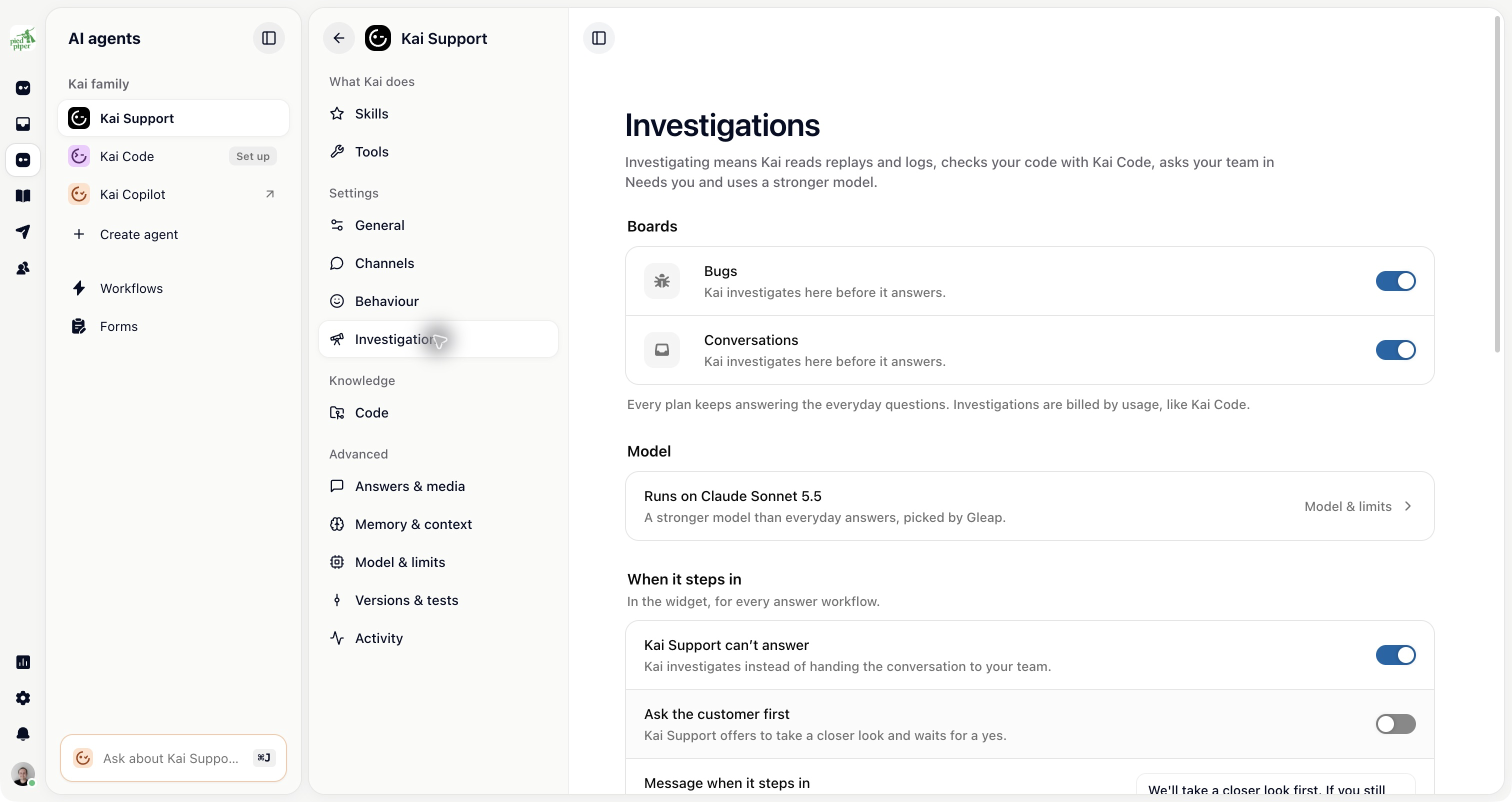
Kai Support investigates the customer’s issue; Kai Code works on the code. Investigations were previously called Kai Resolve and are now configured under AI agents → Kai Support → Settings → Investigations.
A useful ticket includes the customer’s description, steps to reproduce and the technical evidence captured by the SDK. Kai Support can read the conversation, logs, replay and connected account data when available.
It can check the code through Kai Code to understand whether the behaviour is expected, a configuration issue or a bug. A code check does not by itself mean a fix is being written.
When code work is appropriate, a coding session gives Kai Code the issue and the context it needs. Your configured permissions and approval steps determine which work can begin automatically and which waits for a teammate.
Your team can also start a coding session directly from a ticket. Review the investigation first so the coding request describes the expected result.
Open AI agents → Kai Code or the session linked to the ticket. Review the changes, the verification Kai performed and any pull request it prepared.
A prepared pull request still needs your normal review and deployment process. Check failed tests, conflicts and unresolved questions before treating a ticket as fixed.
Kai Code’s Customer reply settings determine the follow-up after a ticket-related change. Choose whether a teammate confirms the fix is live, a deploy delay controls the message or no automatic customer reply is sent.
A merged change and a deployed fix can happen at different times. Set the follow-up to match your release process.
Kai Support → Investigations: where Kai investigates and how work reaches your team.
Kai Support → Tools and Code: what evidence and connected systems it may use.
Kai Support → Model & limits: investigation models and caps.
Kai Code → Settings: code execution, repository settings, review and customer follow-up.

