Code knowledge helps Kai answer questions about behaviour that was never documented. Open Settings → Apps to connect GitHub, then choose the repositories each agent may use.
The current repository experience shares one connection and repository settings. Access to a repository and permission for an agent to use it are separate choices.
Connect GitHub from Settings → Apps → Add app, or from the agent’s Code page.
In GitHub, grant access only to the repositories Gleap needs.
Open AI agents → Kai Support → Code or a custom agent’s Code page.
Choose Add repositories, search and select the repositories that agent should answer from.
Check the repository’s index state and resolve any access or indexing warning.
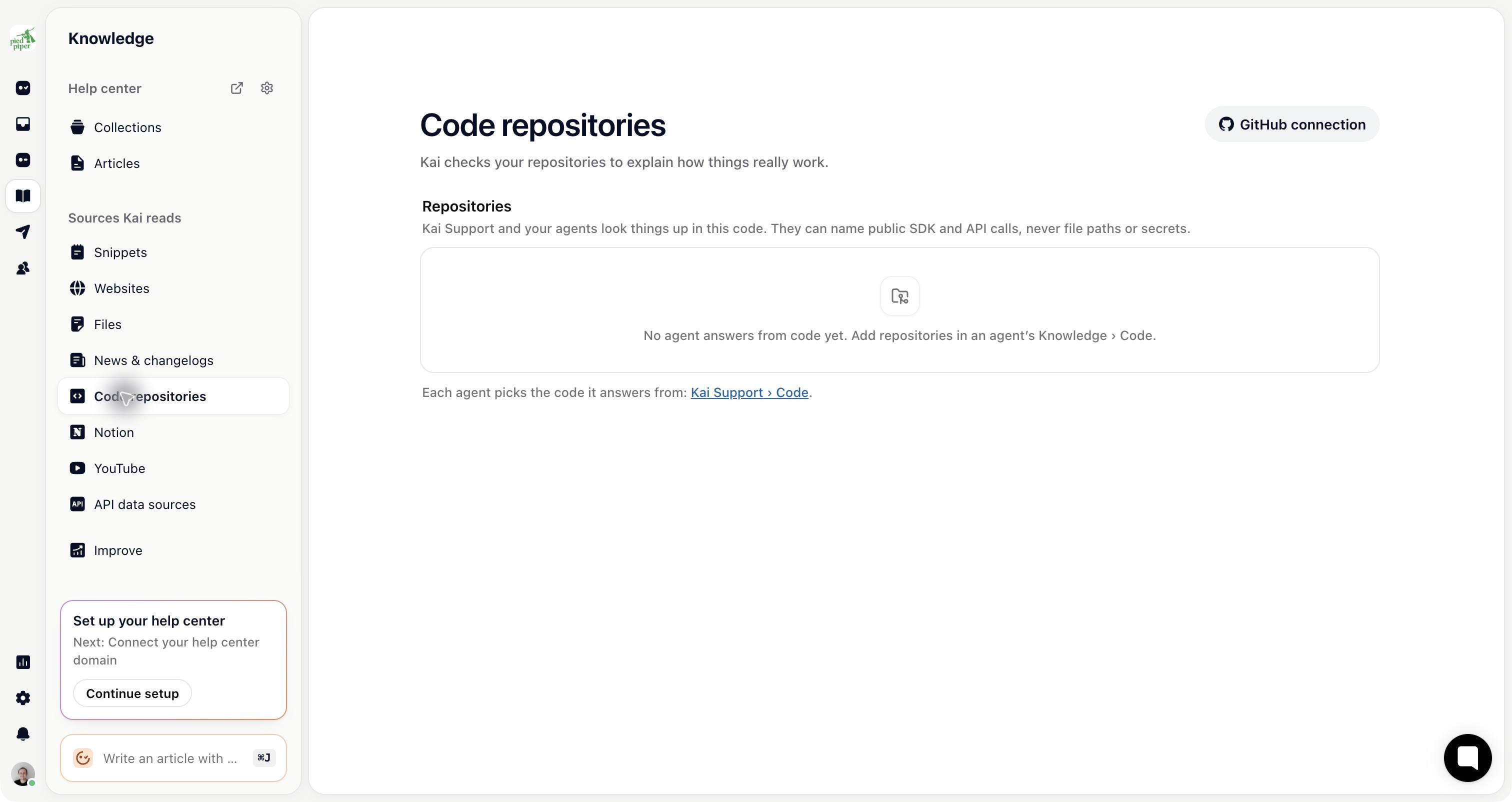
For coding work, add repositories under AI agents → Kai Code → Settings → Repositories. Kai Support and Kai Copilot answer from connected repositories by default. Open the repository’s Used by section to review their switches and the other agents using it.
Open a repository to see Used by, its Index and What Kai reads.
Branch follows the default unless you pin another branch.
About this repository explains its purpose to agents.
Hidden from Kai excludes paths that should not be read.
Pushes refresh the index automatically; Reindex starts a full refresh.
Shared settings affect the agents using that repository. Check Used by before changing them.
An index should describe the version customers are using. Check its status after releases and inspect errors instead of assuming that a connected repository is ready.
Where a project still shows the older provider and indexing screens, follow the controls shown there. Those can include a separate indexing confirmation and provider-specific setup.
Exclude credentials, infrastructure and sensitive test data before indexing. Test questions whose answers should come from code, and verify that internal names or unreleased work do not leak into customer-facing explanations.
Code complements support knowledge. It explains behaviour; policies and customer instructions still belong in written sources.

