For a lot of teams the real documentation lives in Notion, not in a help center. Connecting it lets Kai Support answer from what you've already written. Importing and syncing Notion is available on the Team plan and up. Pages you imported before keep serving Kai Support if your plan changes.
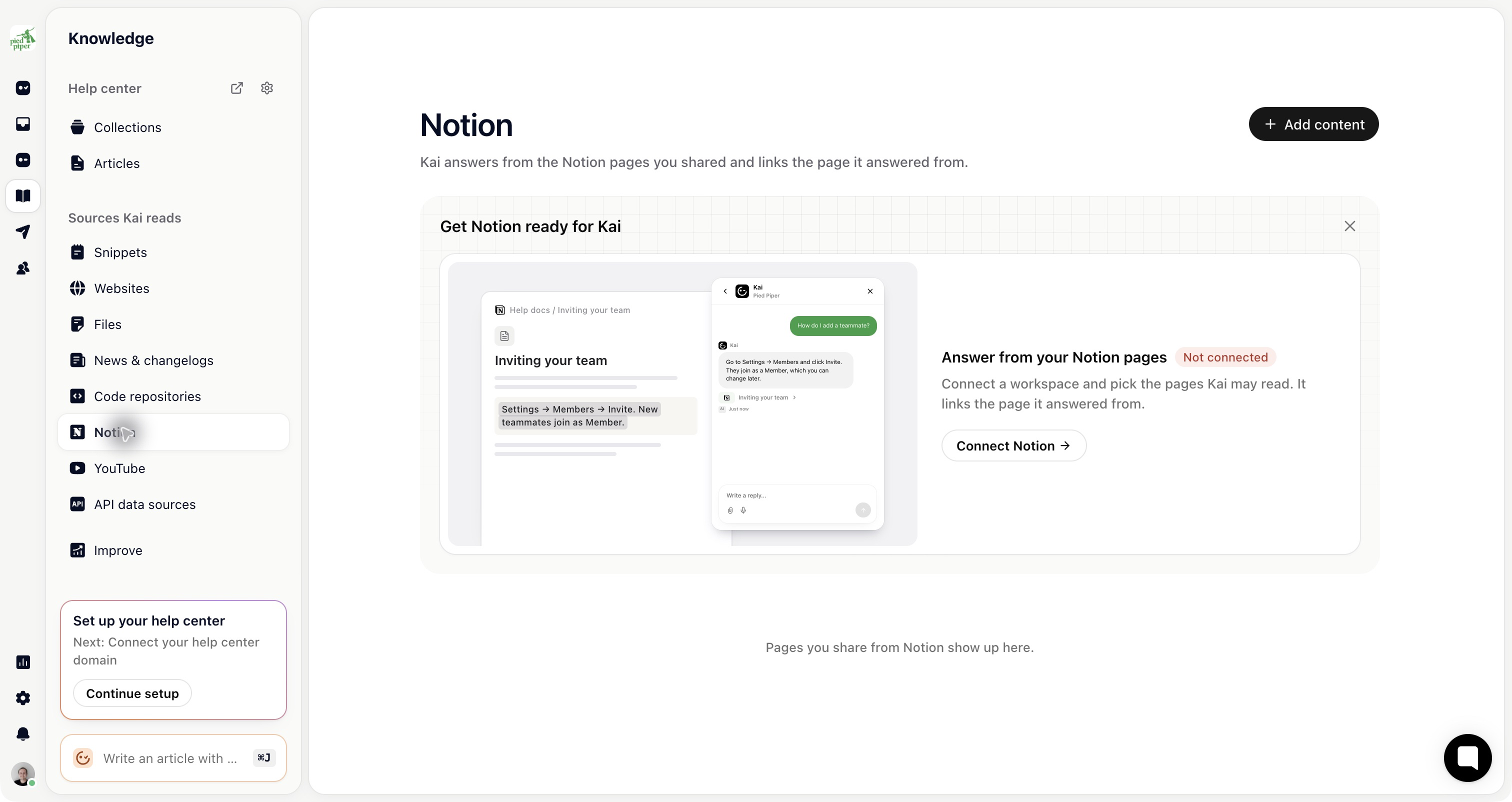
Open Knowledge → Notion.
Choose Import from Notion. Notion's consent screen opens.
Pick the pages Gleap may read and confirm. That choice is made on Notion's side, and it's the outer limit for everything below: a page you don't share here can't be imported later.
Back in Gleap, answer How should page visibility be handled? with Respect Notion permissions or All public.
Answer How should the content be imported? with One-time import or Sync content.
The import starts, and the page shows its progress until it reads Import completed.
One-time import takes the selected pages as they are now. Right when you're moving content out of Notion anyway, or for something finished that won't change.
Sync content keeps Kai Support in step with your pages as they're edited. Right when Notion stays the place where your documentation lives.
Sync is usually the better choice for living documentation. Nobody remembers to refresh an import, and the AI can't tell that what it's reading is out of date.
This is the decision to slow down for.
Respect Notion permissions. Public pages stay public, and private pages become internal-only snippets. Your team's agents can use them, but they don't reach customers.
All public. Every imported page is treated as public for the AI, however it's set in Notion.

Respecting Notion's permissions is the safer default, and it has a bonus: your internal pages become useful to agents working on tickets with no risk of being repeated to customers.
Choose Manage on the Notion page to open Manage Notion content. There you can:
change the Visibility setting,
switch automatic syncing on or off under Sync,
choose Re-sync now instead of waiting,
choose Disconnect workspace.
Disconnecting deletes all content imported from that workspace, so do it on purpose, not to troubleshoot.
After the first import, read a few of the imported pages as text. Notion pages lean on layout, such as toggles, columns, callouts and databases, and a page that reads clearly in Notion can arrive much flatter. Pages that turn out badly are usually better rewritten as a short article than left in.