Kai Support answers only from the content you gave it, so a wrong answer nearly always traces back to content rather than to the AI. Something was missing, out of date, or two articles disagreed and it picked the wrong one. That makes the fix concrete.
Go to Reports → AI agents → Kai Support.
Scroll to Latest negative feedback. Each entry is a real question with an answer someone marked as unhelpful.
Check the Answer rate tile on the same page too. Its unanswered count is the questions Kai couldn't answer at all, which point to gaps in your content.

Open the conversation from the list.
Look at the sources under Kai's answer. They name the content Kai drew on.
Match what you see to the cause:
The right article is cited, but the answer is wrong: the article is outdated or ambiguous. Fix the article.
The wrong article is cited: two pieces of content compete for the same question. The older one usually needs deleting rather than editing.
Nothing is cited and the answer is vague: the topic isn't covered. Write it.
Contradictions are the hardest to spot and the most damaging. If a price or a limit appears in three articles and one is stale, Kai is sometimes right and sometimes wrong about the same question, which is worse than being consistently wrong.
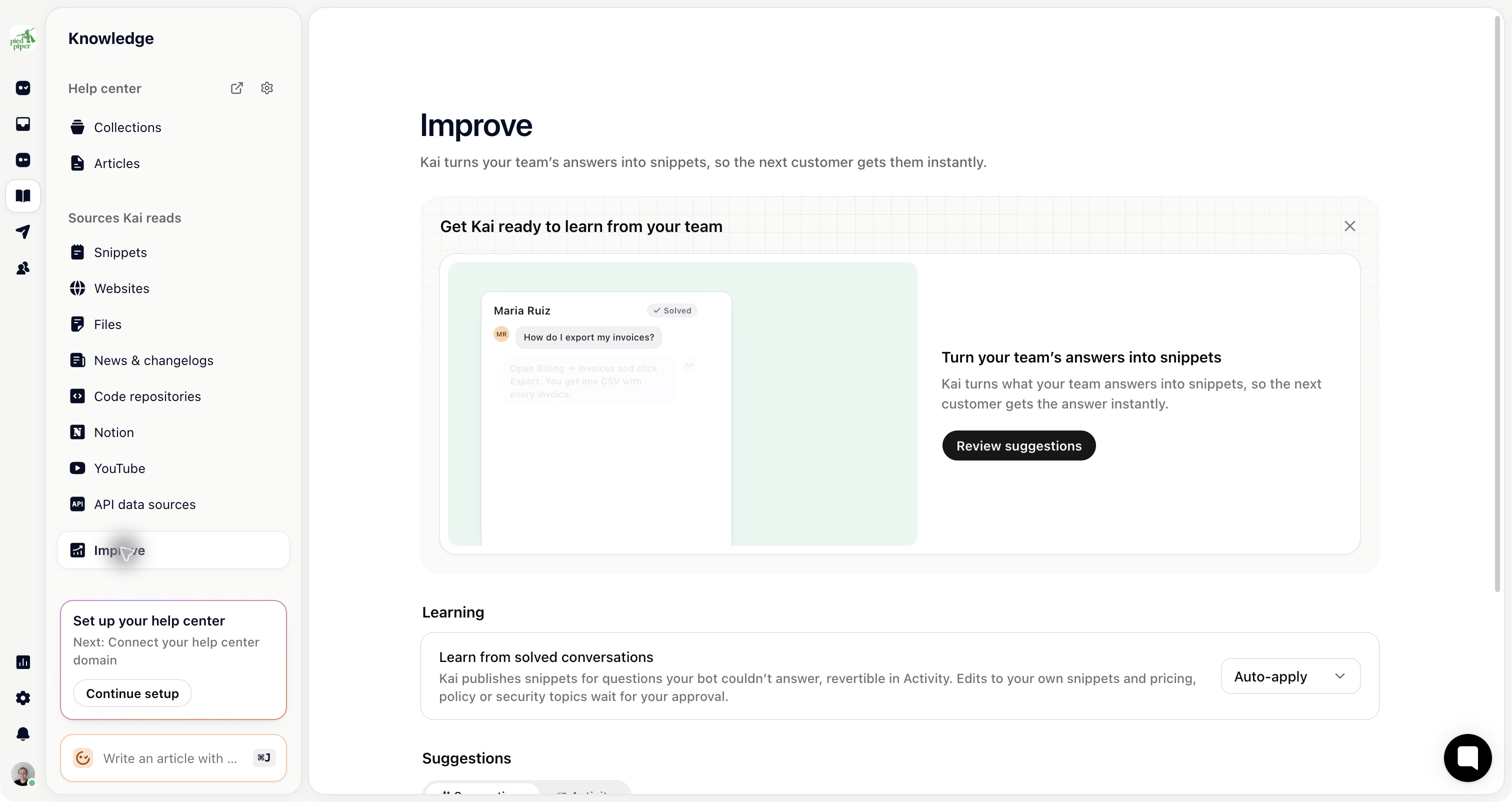
Knowledge → Improve turns solved conversations into knowledge suggestions. Kai proposes new snippets and improvements to existing snippets. When a help article is wrong, review and publish the article edit as well.
Learn from solved conversations has three modes: Auto-apply, Review first and Off. Every change is listed under Activity and can be reverted there. Learning needs Team or higher. The details are in Let Kai learn from solved conversations.
Sometimes the facts are right and the answer still isn't: too long, too casual, the wrong form of address. Change that on the Personality and Instructions pages in Kai Support's settings, not in your articles.
If Kai should have handed the conversation to a person instead of answering, check that Automatically forward the conversation to the support team if no answer was found is on in the answer step. It's off by default, and that's the cause more often than anything Kai got wrong.
Open the messenger in your own product.
Ask the same question the way the customer phrased it, not the way you would.
Check the answer and its sources.
Kai searches your content afresh for every question, so a corrected article takes effect for the next person who asks. There's nothing to retrain or rebuild.